Paying off debt can be difficult to map out when you have several balances, different interest rates, and no clear idea which payment strategy will make the biggest difference.
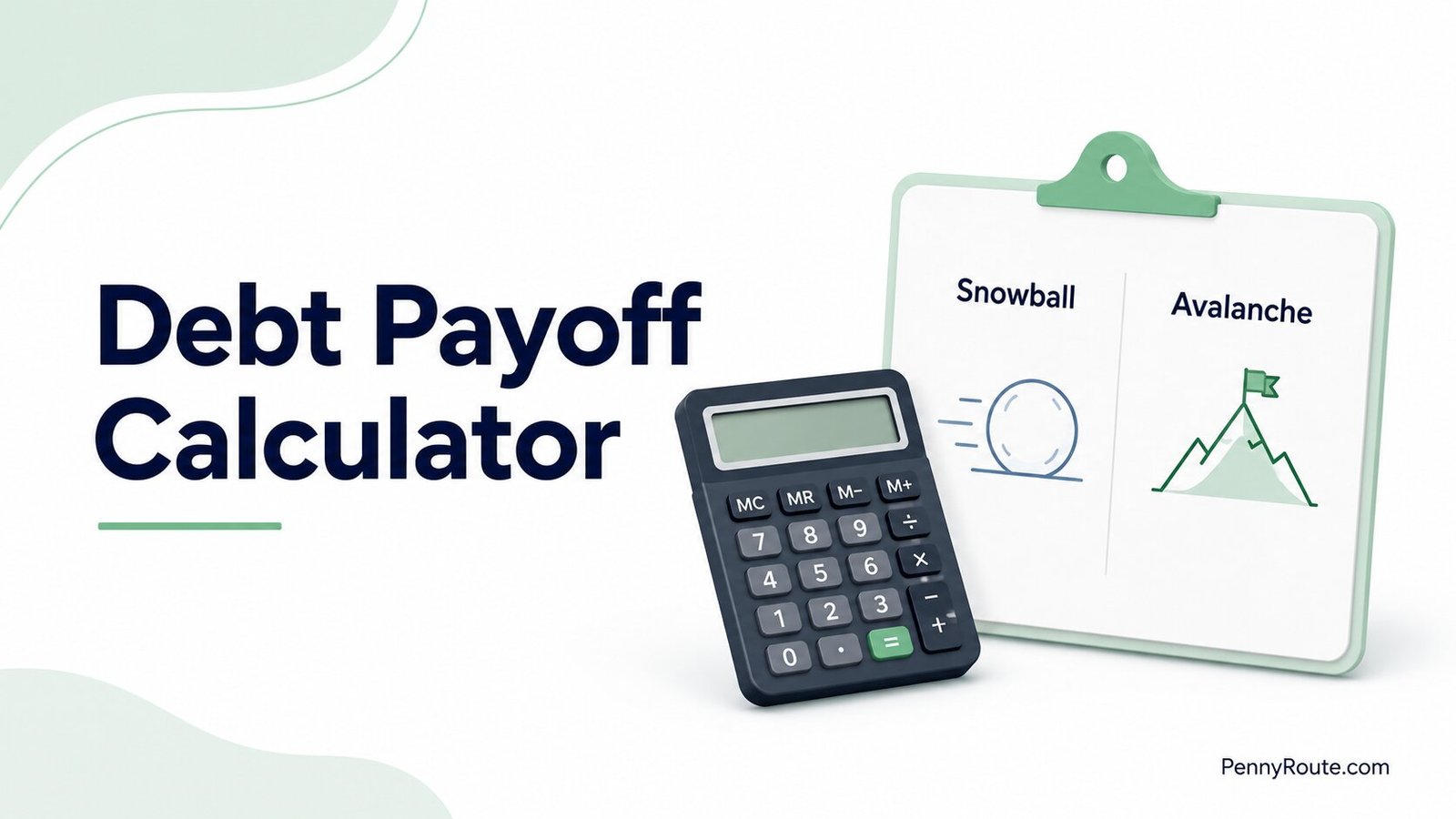
The PennyRoute debt payoff calculator lets you enter your current debts and compare three paths: continuing with your current payments, using the debt snowball, or using the debt avalanche. You can also test an extra monthly payment to see how it changes your estimated payoff time and interest cost.
The numbers are most helpful when you know what they are actually showing. A shorter payoff date is useful, but so are the differences in total interest, payoff order, and the amount you would need to keep paying each month.
Compare Your Debt Payoff Options
Add your balances, interest rates, and monthly payments to estimate your debt-free date. Compare your current payment plan with the debt snowball and debt avalanche methods.
Add Your Debts
Enter the current balance, APR, and monthly payment for each debt.
You may add up to 10 debts. Avoid entering account numbers or other identifying information.
Set Your Payoff Budget
Add any extra amount you expect to pay beyond your regular monthly payments.
Enter 0 if you do not plan to make an additional payment.
This month is used to estimate payoff dates.
Currency selection changes the display only. It does not convert values.
Review the Estimate
The calculator compares your current payments with snowball and avalanche payoff strategies.
Calculator assumptions
- Interest is estimated monthly using the APR you enter.
- Interest rates and entered payments remain unchanged.
- Payments are made monthly and on time.
- No new purchases, borrowing, fees, or penalties are added.
- Snowball and avalanche plans roll cleared payments into the next target debt.
- Creditor-specific interest and payment-allocation rules are not modeled.
Results are estimates based on fixed rates, fixed payments, and the information you enter. Actual creditor calculations may differ.
Debt Payoff Comparison
Review how the three payoff scenarios compare.
Current Payment Plan
Uses the monthly payments entered without rolling cleared payments into another debt.
Debt Snowball
Directs extra money toward the smallest balance, then rolls the cleared payment into the next debt.
Debt Avalanche
Directs extra money toward the highest APR, then rolls the cleared payment into the next debt.
Estimated Payoff Order
View the order and estimated payoff date for each strategy.
| Order | Debt | Estimated payoff | Estimated interest |
|---|
Interest is estimated monthly using the entered APR. Results may differ from creditor statements that calculate interest daily or apply payments and fees differently.
How to Use the Debt Payoff Calculator
For each debt, enter the current balance, APR, and monthly payment you want to model. Using figures from your latest statements gives you a more useful estimate than working from rough numbers.
You can enter multiple debts separately (up to 10), then add an extra monthly payment if you want to see how additional money changes the snowball and avalanche results.
Add Each Debt Separately
Enter each balance as its own debt rather than combining everything into one total.
For example, if you have:
- a credit card;
- a personal loan;
- a store card;
enter them as three separate debts.
That matters because the calculator needs each balance and APR separately to determine the payoff order under the snowball and avalanche methods.
A simple label such as “Visa,” “personal loan,” or “store card” is enough. Do not enter account numbers or other identifying information.
Enter the Monthly Payment You Expect to Make
Use the monthly amount you currently plan to pay toward each debt.
If you usually pay more than the required minimum, enter the amount you realistically expect to keep paying. The calculator uses those entered payments as the basis for the Current Payment Plan.
Add Extra Monthly Money Only If It Is Realistic
The extra monthly payment is additional money you want to put toward debt on top of the regular payments already entered.
For example, if your regular debt payments total $450 per month and you enter an extra $100, that extra $100 is available within the snowball and avalanche payoff strategies.
Testing a higher amount can show how much faster repayment could be, but for planning purposes, a smaller amount you can sustain month after month is usually more useful.
You can also choose a payoff start month, which the calculator uses when estimating payoff dates. The currency setting changes how amounts are displayed; it does not convert your balances from one currency to another.
Once your numbers are entered, run the calculator and compare the three results rather than looking only at the earliest debt-free date.
How to Read Your Debt Payoff Results
The calculator gives you three different views of the same debt: your Current Payment Plan, Debt Snowball, and Debt Avalanche.
The comparison goes beyond which option shows the earliest debt-free date. Look at how long each plan takes, how much interest is estimated, which debt disappears first, and whether the payment approach is realistic for you to keep following.
Current Payment Plan
The Current Payment Plan shows what happens if you keep making the monthly payments you entered for each debt.
It works as a baseline. When one debt is paid off, its payment is not automatically redirected to another balance in this scenario.
That gives you a useful picture of where your existing payment pattern may lead if nothing else changes.
Debt Snowball
The Debt Snowball focuses extra money on the smallest balance first. Once that debt is gone, the money that was going toward it rolls into the next-smallest balance.
This often clears one balance sooner, which can reduce the number of separate debts you are managing.
Debt Avalanche
The Debt Avalanche sends extra money toward the debt with the highest APR first, then rolls the freed payment into the next-highest-rate debt.
When interest rates differ meaningfully, this method often produces a lower estimated interest cost because more money reaches the highest-rate balance earlier.
What to Compare Across the Three Results
When you look at the results, pay attention to:
- Debt-free date: when the calculator estimates all entered debts will be paid off.
- Time to payoff: how many months the plan is expected to take.
- Estimated interest: the interest projected over the payoff period.
- Estimated total paid: principal plus estimated interest.
- First debt cleared: which balance is expected to disappear first.
- Estimated first payoff: approximately when that first balance is expected to be cleared.
- Payoff order: the sequence in which the debts are expected to be eliminated.
A small difference in payoff time may not matter much if one strategy is considerably easier for you to maintain. A larger difference in interest or several months of repayment deserves closer attention.
Test What an Extra Payment Changes
Once you have a baseline result, the next useful step is to test what happens when you add a realistic amount on top of your regular payments.
Start with the calculator set to $0 extra so you can see where your current plan stands. Then try an amount you could reasonably keep paying each month, such as $50, $100, or $200.
Compare the new result against the baseline and look at:
- how many months the payoff timeline changes;
- how much estimated interest drops;
- whether the first debt is cleared noticeably sooner;
- whether the new monthly commitment still fits your budget.
If a larger extra payment produces a much better result but would leave your monthly budget too tight, it is not necessarily the better plan. A smaller amount you can keep paying consistently is usually more useful than an aggressive number that works only on paper.
You can also test more than one extra-payment amount to see where the payoff improvement starts to become meaningful for you. The calculator is most useful when it helps you compare realistic choices, not just the fastest possible one.
Debt Payoff Calculator Example
A simple example makes the comparison easier to understand.
Suppose you enter three debts:
| Debt | Balance | APR | Monthly Payment |
|---|---|---|---|
| Credit card | $3,500 | 22.99% | $110 |
| Personal loan | $6,000 | 10.50% | $190 |
| Store card | $1,200 | 15.99% | $50 |
Your regular monthly payments total $350. Then you test an additional $100 per month, giving the snowball and avalanche strategies more money to work with.
The calculator treats the Current Payment Plan differently from the other two scenarios. It keeps the individual payments you entered and does not redirect a cleared payment to another debt. Snowball and avalanche, by contrast, roll freed payments into the next target debt.
What the Comparison Shows
With these numbers, the two payoff strategies take different routes.
The snowball starts with the $1,200 store card because it has the smallest balance. Once that balance is cleared, more of the monthly payoff budget moves to the next-smallest debt.
The avalanche starts with the credit card because its 22.99% APR is the highest. That puts more money toward the most expensive balance first.
Using the same monthly-interest approach as the calculator, the example produces approximately:
| Scenario | Estimated Payoff Time | Estimated Interest |
|---|---|---|
| Current payment plan | 50 months | $3,261 |
| Debt snowball + $100 extra | 29 months | $2,024 |
| Debt avalanche + $100 extra | 29 months | $1,935 |
The snowball and avalanche reach a similar overall payoff time in this example, but the avalanche saves about $89 in estimated interest because it starts with the highest-rate balance.
That is why it helps to compare more than the debt-free date. Two strategies can finish at about the same time while still producing different interest costs and different early payoff milestones.
If the snowball and avalanche results are very close, the choice does not need to come down to a tiny difference in interest or payoff time. You may prefer the method you are more likely to follow consistently. If one strategy shows a clearly lower interest cost or a noticeably shorter payoff timeline, that difference deserves more weight.
The debt snowball vs. debt avalanche comparison covers the tradeoffs between the two methods in more depth.
When the Calculator Estimate Can Differ From Your Actual Payoff
A debt payoff calculator gives you a planning estimate, not an exact future statement from your lender or card issuer.
Your real payoff can shift if any of these change along the way:
- your APR increases or a promotional rate expires;
- minimum payments change as balances fall;
- you make new purchases or take on additional debt;
- late fees, penalties, or other charges are added;
- a creditor applies payments differently from the calculator’s assumptions;
- interest is calculated using a different timing method.
The PennyRoute calculator assumes fixed APRs, fixed entered payments, no new borrowing, no added fees or penalties, and monthly interest based on the APR you enter. Those assumptions keep the comparison consistent, but real accounts do not always stay that predictable.
If your balance, rate, or regular payment changes, rerunning the calculator with the new numbers will give you a more useful estimate than continuing to rely on an older payoff date.
Which Debts Need Extra Caution in a Calculator?
A calculator works best when the debt behaves in a fairly predictable way. Some balances need a little more judgment before you rely on the payoff order it produces.
That is especially true with:
- variable-rate debt, where the APR can change;
- promotional or deferred-interest balances, where an expiration date can materially change the cost;
- federal student loans, where repayment-plan rules, forgiveness eligibility, or other federal program terms may affect the decision;
- past-due or high-consequence debt, where avoiding collections, repossession, shutoff, or other immediate problems may take priority over the mathematically cheapest payoff order.
A calculator can still help you compare scenarios, but it should not automatically decide which debt deserves attention first when the consequences differ.
If one debt carries more immediate consequences than another, balance size and APR should not be the only things driving the decision. Factors such as delinquency, collections risk, secured debt, and essential services can change which debt you should pay off first.
What If the Calculator Shows a Payment You Cannot Afford?
A faster payoff date is only helpful if the monthly payment fits alongside your regular expenses. If the calculator shows that you would need to stretch your budget too far, do not treat that number as a target you have to force.
Start by removing the extra monthly payment and see what your existing payments produce. If you can afford something extra, test a smaller amount that still leaves room for bills, essential expenses, and unexpected costs.
If you are already struggling to make required credit card payments, the problem is different from choosing between snowball and avalanche. You can contact your credit card issuer as soon as you know you may have trouble making the minimum payment and ask what options may be available.
If the repayment problem is broader, a nonprofit credit counselor can help you review your finances and discuss possible next steps, including whether a debt management plan is appropriate.
At that point, the calculator can still help you understand the numbers, but it should not push you toward a payment your budget cannot reliably support.
Keep the Plan Updated
Your first calculation is a snapshot based on the balances, rates, and payments you enter today. As those numbers change, the payoff estimate changes with them.
It makes sense to rerun the calculator when:
- a balance drops significantly;
- an APR changes;
- your regular monthly payment changes;
- you can add or need to reduce extra monthly payments;
- one debt is paid off.
You do not need to recalculate after every payment. Updating the numbers when something meaningful changes is enough to keep the payoff timeline useful.
If you want to record payments and update progress month after month, some debt payoff apps and calculators are built for ongoing tracking rather than one-time scenario testing.
Use the Numbers to Build a Plan You Can Keep
A debt payoff calculator is most useful when it helps you see the tradeoffs clearly, not when it pushes you toward the fastest result on the screen.
Start with your current numbers, test one realistic change, and choose a payment approach that fits your budget well enough to keep following. The estimate will change over time, but a plan you can maintain is far more useful than an aggressive payoff date that falls apart after a few months.