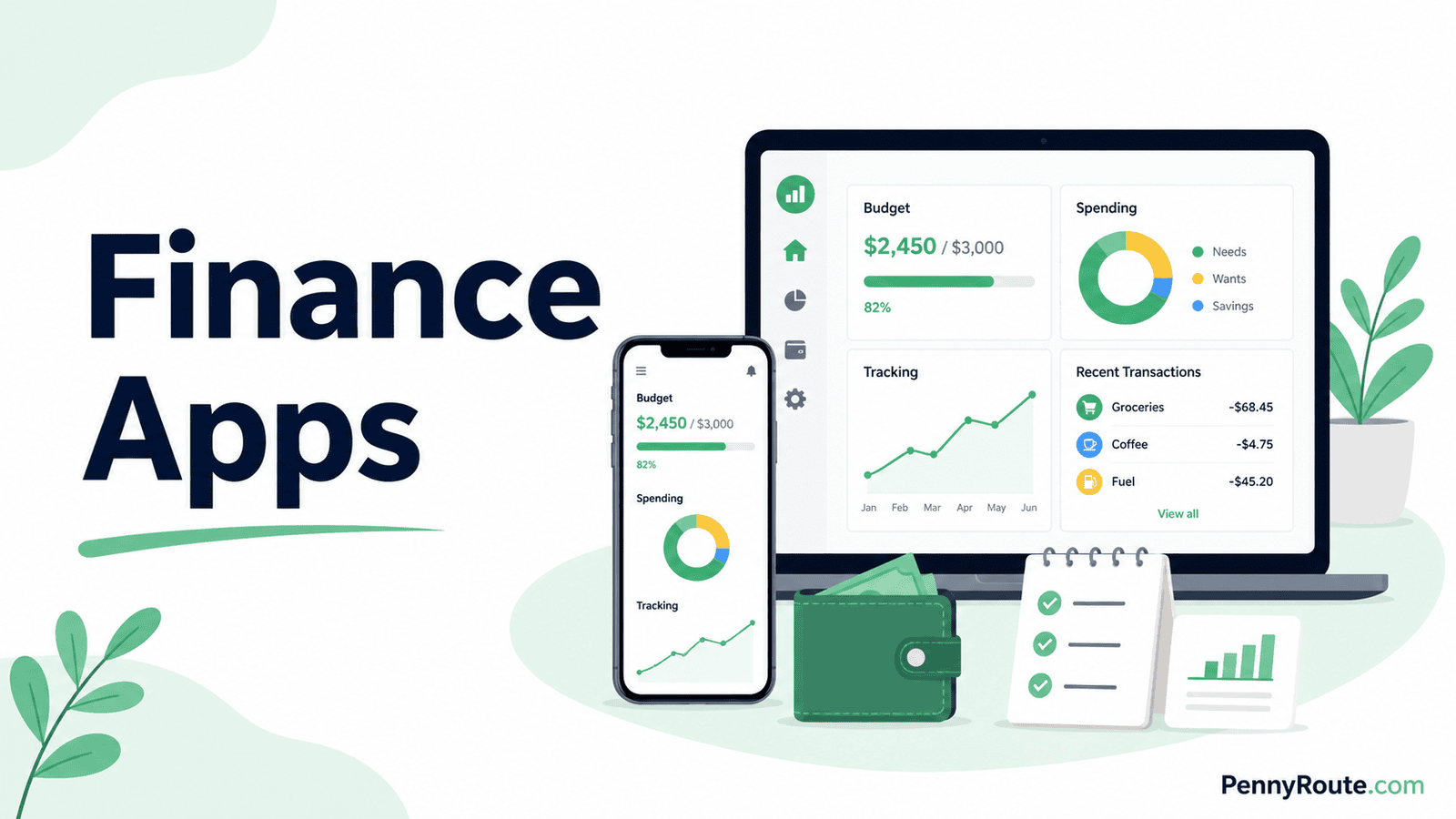
Personal finance apps can help you keep more of your money in one place, but they vary a lot in what they actually do. One app might be built around budgeting, while another gives you a broader view of your accounts, spending, bills, investments, and net worth.
The right choice comes down to what you want the app to handle. If you want one place to see and organize several parts of your finances, a broader money-management app can work well. If you mainly need help with budgeting, tracking expenses, subscriptions, or shared finances, a more focused app may suit you better.
Disclaimer: This content is for informational purposes only and does not constitute financial advice. App features, pricing, account connections, and availability can change, so check current details before signing up or paying for a plan.
Personal Finance Apps at a Glance
| App | Best for | Cost |
|---|---|---|
| Monarch Money | Broad money management | Paid |
| Quicken Simplifi | Cash flow and everyday finances | Paid |
| Empower Personal Dashboard | Net worth and financial overview | Free |
| Rocket Money | Spending and recurring expenses | Free + Premium |
| Copilot Money | Visual money tracking and planning | Paid |
What Makes a Good Personal Finance App?
A good personal finance app should make your money easier to see and manage without adding unnecessary work.
- Useful account connections that support the financial accounts you actually use.
- Clear financial views for spending, cash flow, balances, goals, investments, or net worth.
- Features that fit the app’s purpose instead of a long list of extras you may never use.
- Reasonable ongoing effort so keeping the app updated does not become a chore.
- Fair value for the price based on the features you will actually use.
Keep these points in mind as you compare the apps below, since each one handles the broader personal finance role a little differently.
Best Personal Finance Apps in 2026
Monarch Money
Best for: Managing several parts of your finances in one place.
Monarch Money brings spending, account balances, goals, investments, budgeting, and net worth into one dashboard. You can connect accounts from different financial institutions or add accounts manually when you prefer not to link them.
Its wider view is the main reason it stands out here. Monarch works well when you want to manage day-to-day money while also keeping an eye on longer-term goals and net worth. Household members can use separate logins under the same subscription, which is useful when more than one person manages the household’s finances.
Good fit if…
- Your money is spread across several accounts.
- Two people need separate access.
- You want one broad finance platform.
- You review short- and long-term finances together.
You may prefer another option if…
- You only need a simple monthly budget.
- Most broader features would go unused.
- A free app is a priority.
- Your current tools already cover these jobs.
Quicken Simplifi
Best for: Managing cash flow and everyday finances.
Quicken Simplifi brings connected accounts, spending, bills, subscriptions, savings goals, and investments into one place. Its Spending Plan looks ahead at expected income and expenses, helping you see what is available after planned bills, savings, and other spending are accounted for.
That forward-looking cash-flow view is where Simplifi stands apart in this list. It gives you more structure than a basic expense tracker without requiring every dollar to be assigned in advance, and its reports and investment tracking give you room to look beyond the current month.
Good fit if…
- Upcoming bills and cash flow need close attention.
- You prefer flexible planning over rigid budgeting.
- Your spending varies from month to month.
- You want everyday finances and investments together.
You may prefer another option if…
- A free app is a priority.
- Household collaboration is a major need.
- Investment analysis matters more than cash flow.
- You prefer assigning every dollar before spending.
Empower Personal Dashboard
Best for: Tracking net worth and your broader financial picture.
Empower Personal Dashboard combines bank, investment, loan, and other financial accounts into one view so you can track cash flow, spending, debt, investments, and net worth. Its free tools also include budgeting and retirement planning, which gives it a wider scope than an app focused mainly on monthly spending.
Empower is especially useful when long-term finances matter alongside everyday money management. You can follow investment accounts and retirement progress without paying for the Dashboard itself. Empower also offers separate paid wealth-management services, but those are not required to use the free financial tools.
Good fit if…
- Your finances include several investment or retirement accounts.
- Net worth matters as much as monthly spending.
- You want broad tracking without a subscription fee.
- Long-term planning is part of your regular money routine.
You may prefer another option if…
- Detailed monthly budgeting is your main priority.
- You prefer a simpler day-to-day spending app.
- Household collaboration is an important feature.
- Investment tracking would add little value for you.
Rocket Money
Best for: Tracking spending and recurring expenses in one place.
Rocket Money combines connected-account spending, budgets, bills, and recurring subscriptions in one place. Its automatic transaction categorization helps you see where money is going, while the subscription tools make recurring charges easier to spot and manage.
Rocket Money is broader than a subscription tracker, but recurring expenses are still its clearest strength in this comparison. The free plan includes core tools such as subscription tracking and basic budgeting, while Premium adds features such as unlimited budgets, net worth tracking, subscription cancellation, and real-time account syncing. Premium pricing uses a flexible model that typically falls between $7 and $14 per month.
Good fit if…
- Recurring charges are easy to lose track of.
- You prefer automatic spending organization.
- A free starting option is useful.
- You want budgeting without a highly rigid system.
You may prefer another option if…
- Investment tracking is a major priority.
- You mainly want a simple expense tracker.
- Subscription management adds little value for you.
- You prefer deeper hands-on budget planning.
Copilot Money
Best for: Visual spending analysis and money tracking.
Copilot Money brings spending, budgets, investments, and net worth into one place, with a strong emphasis on charts and visual summaries. Its transaction views and category breakdowns make it easier to see where money is going and how spending changes over time.
The app suits people who prefer a visual way to review their finances rather than a more rigid budgeting system. It also tracks investments alongside everyday spending, which gives it a broader view than a basic expense tracker. One limitation is platform support: Copilot is currently available on iPhone, iPad, Mac, and Web, but not as a native Android app.
Good fit if…
- Visual charts help you understand spending patterns.
- You regularly review both spending and investments.
- Apple devices are part of your normal setup.
- You prefer automatic tracking with room to customize.
You may prefer another option if…
- You need a native Android app.
- A free finance app is a priority.
- You prefer a more structured budgeting method.
- Visual reports are not important to you.
Do You Need a Full Personal Finance App or a More Specialized Tool?
A full personal finance app makes the most sense when you want several parts of your money connected in one place. If you mainly need help with one specific task, a narrower tool can be simpler and easier to stick with.
| If your main need is… | A better fit may be… |
|---|---|
| Managing accounts, spending, goals, and net worth together | A full personal finance app |
| Planning where your money should go each month | A budgeting app |
| Seeing where your money has already gone | An expense tracker app |
| Finding and managing recurring charges | A subscription tracker |
| Managing a budget with a partner | A budget app for couples |
| Organizing or modeling debt repayment | A debt payoff app or calculator |
You also don’t need one app to handle every financial task. Using a broad app for your overall picture and a specialized tool for one important job can work well, as long as the extra app genuinely adds something rather than giving you the same information twice.
Free vs. Paid Personal Finance Apps: What Is Worth Paying For?
A free app can be enough if you mainly want to see balances, transactions, spending patterns, or your net worth in one place. Paying becomes more worthwhile when the subscription gives you features you would actually use regularly.
Features that can justify the cost include:
- broader account syncing;
- more detailed reports or planning tools;
- household sharing;
- investment and net worth tracking;
- custom categories or rules;
- faster syncing or additional automation.
The price matters less than whether the paid features solve a problem you would otherwise handle manually. If the extra tools mostly duplicate what you already get from your bank or another app, the subscription may not add much value.
What to Check Before Connecting Your Financial Accounts
Linking your bank, credit card, investment, or loan accounts can make a personal finance app much more useful. It also means sharing financial data with another service, so a few checks are worth making first.
How the Account Connection Works
Check whether you sign in through your financial institution or through an account-linking service, and what information the app receives once the connection is active.
What Data the App Can Access and Use
Review the privacy policy for what the app collects, how that information is used, and whether it is shared with other companies.
Your Security Options
Use multifactor authentication when it is available, and make sure the password you use for the app is unique.
How to Disconnect an Account
Know how to remove a linked institution and whether disconnecting it also stops future data access.
Whether Your Important Accounts Are Supported
Check this before paying for a subscription, especially if you use a smaller bank, credit union, brokerage, or other financial provider.
When you connect a financial account, you are also deciding how much data to share. The CFPB recommends understanding what information you are giving access to, how it will be used, and how you can stop sharing it before connecting an account.
How to Choose the Right Personal Finance App
The best app is not necessarily the one with the longest feature list. A better choice is the one that matches how you actually want to manage your money.
Decide How Hands-On You Want to Be
Some apps expect you to review categories, adjust plans, and make regular decisions. Others do more of the organizing for you and are better suited to checking in rather than actively managing every transaction.
If you know you will not spend much time maintaining an app, choosing one that needs constant attention can turn into another abandoned subscription.
Think About What You Want to See Most Often
Your priorities matter. You might care most about monthly cash flow, spending patterns, net worth, investments, upcoming bills, or progress toward financial goals.
Choose an app that puts those details front and center instead of making you dig through features you rarely use.
Consider Whether You Are Managing Money Alone or With Someone Else
If another person needs access, check how sharing works before you commit. Separate logins, shared views, and control over what each person can see can matter more than extra reports or charts.
If you are managing your finances alone, those collaboration features may add little value.
Pay Attention to What You Will Actually Keep Using
A feature can look impressive during setup and still be useless a month later. Think about which parts of the app would become part of your normal routine.
An app that gives you three useful views you check regularly is often a better fit than one with dozens of features you rarely open.
Choose the App That Fits How You Manage Money
A personal finance app is most useful when it gives you a clearer view of the money decisions you already need to make. For some people, that means tracking cash flow and spending. For others, it means seeing accounts, investments, goals, and net worth together.
You do not need the app with the most features. Choose the one that covers the parts of your finances you actually want to manage and that fits the amount of time you are willing to spend using it.