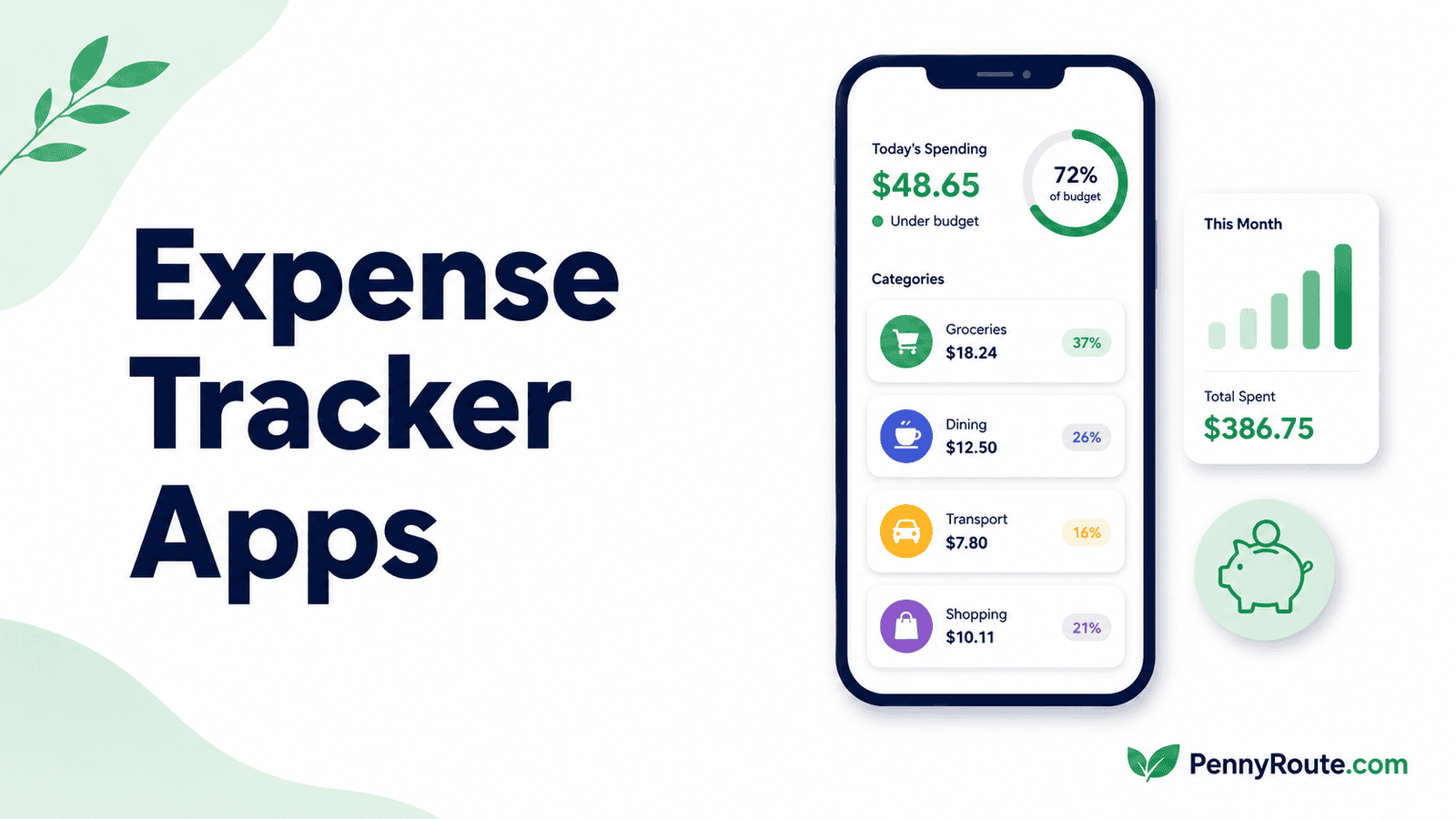
Expense tracking becomes easy to lose sight of when spending is spread across cards, bank accounts, cash, and recurring payments. A good expense tracker brings those purchases together so you can see what you spent, where it went, and which categories are taking the biggest share.
Some apps work best when you enter expenses yourself. Others connect to your accounts and organize transactions automatically. The best expense tracker depends on how much detail you want and how much work you are willing to do to keep the record accurate.
Disclaimer: This content is for informational purposes only and does not constitute financial advice. App pricing, features, account connections, and availability can change, so check current terms before choosing a service.
Expense Tracker Apps at a Glance
| App | Best for | Tracking style |
|---|---|---|
| Money Manager by Realbyte | Detailed manual expense tracking | Manual entry with reports and account views |
| Rocket Money | Low-effort everyday spending tracking | Automatic bank-connected tracking |
| Spendee | Visual tracking across cash and accounts | Manual + synced transactions |
| Wallet by BudgetBakers | Detailed automatic tracking and reports | Bank sync + manual entries |
| Spending Tracker | Simple manual expense logging | Manual entry |
| Lunch Money | Detailed transaction organization on the web | Imported + manually managed transactions |
| Copilot Money | Polished visual spending analysis | Automatic categorization and review |
| PocketGuard | Simple category and spending overview | Automatic account-based tracking |
What an Expense Tracker Should Help You See
An expense tracker should do more than collect a long list of transactions. The useful part is being able to turn that activity into a clearer picture of your spending. If you are still working out a simple system for tracking your expenses, the app should support that process rather than make it more complicated.
Where Your Money Is Going
At a minimum, you should be able to see spending by category, merchant, or time period. That makes it easier to spot whether groceries, dining, transportation, subscriptions, or another area is taking more of your money than you expected.
Which Transactions Need Attention
Automatic categorization is convenient, but it is not always perfect. A useful tracker should make it easy to correct a category, add a note, split a transaction when needed, or account for cash purchases that did not come through a connected bank account.
How Your Spending Changes Over Time
Monthly totals are useful, but trends can tell you more. Comparing categories across several weeks or months can show whether a higher total was a one-off purchase or part of a broader spending pattern.
Expense trackers focus on organizing spending that has already happened, while budgeting apps put more emphasis on planning how money will be used.
Best Expense Tracker Apps
Money Manager by Realbyte
Best for: Detailed manual expense tracking
Money Manager by Realbyte is a strong fit if you want to record expenses yourself and keep close control over how each transaction is categorized.
You can log income and spending, organize transactions by account or category, and review totals across different time periods without relying on automatic bank imports to build the record.
That manual approach takes more effort, but it also makes corrections straightforward because you are entering the information directly. The app includes calendar views, charts, filtering, and the option to attach photos or receipts, which can be useful if you want more detail than a basic expense log.
Good fit if…
- You prefer entering expenses yourself.
- You want detailed category and account views.
- You regularly track cash purchases.
- You like reviewing spending by day, week, or month.
You may prefer another option if…
- You want transactions imported automatically.
- Manual entry is likely to become tedious.
- You mainly want a simple spending summary.
- You prefer a tracker built around connected bank accounts.
Rocket Money
Best for: Automatic everyday spending tracking with little manual entry
Rocket Money works well if you want most of your day-to-day spending pulled into one place without logging each purchase yourself. Once accounts are connected, it imports recent transactions, sorts them into categories, and identifies recurring charges so you can review where your money has actually been going.
The useful part for expense tracking is that you are not stuck with the app’s first guess. Categories can be corrected, and Rocket Money now includes a Category Review workflow for quickly checking recent transactions. Premium adds more customization, but the free tier still includes core spending insights and financial tracking.
Good fit if…
- You want transactions imported with minimal effort.
- You regularly spend across several connected accounts.
- You want recurring charges surfaced alongside everyday purchases.
- You prefer reviewing categories instead of entering every expense yourself.
You may prefer another option if…
- You track a lot of cash spending.
- You do not want to connect financial accounts.
- You prefer entering and organizing every transaction yourself.
- You want deeper manual reporting rather than an automated spending view.
Spendee
Best for: Visual expense tracking across cash and connected accounts
Spendee works well if your spending is split between connected accounts and purchases you still need to enter manually. You can keep separate wallets for cash or other spending, connect supported financial accounts on paid plans, and review transactions through category breakdowns and visual reports.
Its strongest expense-tracking advantage is flexibility. You are not limited to either a fully manual log or a bank-synced dashboard. It can be helpful if you still use cash but also want automatic imports for card and bank activity. The tradeoff is that some of the more useful connected-account features require a paid plan.
Good fit if…
- You track both cash and account-based spending.
- Charts help you understand where money is going.
- You want the option to mix manual and automatic tracking.
- You like organizing expenses into separate wallets.
You may prefer another option if…
- You want full bank syncing on a free plan.
- You prefer a very simple manual expense log.
- You want deeper transaction reporting than visual summaries.
- You only spend through connected accounts and do not need cash tracking.
Wallet by BudgetBakers
Best for: Detailed automatic tracking with deeper spending reports
Wallet by BudgetBakers is a stronger fit if you want more detail than a basic category summary. It can sync transactions from supported banks and credit cards, categorize them automatically, and still lets you add or edit records manually when something is missing or incorrect.
Wallet also gives you filters, charts, and spending trends for looking beyond a single monthly total. That combination is useful when you want the convenience of automatic imports without giving up control over the transaction record.
Wallet supports web, iOS, and Android access, and Premium adds features such as bank synchronization. Pricing varies by plan and market, so the app currently directs users to the live Premium screen for the available rates.
Good fit if…
- You want automatic imports with the option to edit records yourself.
- You like digging into category trends and spending reports.
- Your expenses are spread across several financial accounts.
- You want more detail than a simple monthly spending summary.
You may prefer another option if…
- You only want a lightweight manual expense log.
- You prefer fewer reports and a simpler interface.
- You do not want to connect financial accounts.
- Basic category totals are enough for the way you review spending.
Spending Tracker
Best for: Simple manual expense logging without linking financial accounts
Spending Tracker is a good fit if you want to record purchases yourself without connecting bank or credit card accounts. You add income and expenses as they happen, organize them into categories, and review spending across different time periods. The setup is deliberately straightforward, which can be useful if you mainly want a clear record rather than a broader money-management dashboard.
The tradeoff is that every transaction depends on you entering it. That gives you full control over the record, including cash purchases, but it also means missed entries can leave gaps in your totals. Spending Tracker makes the most sense if manual logging is something you can realistically keep up with.
Good fit if…
- You want to track expenses without sharing bank data.
- You prefer a simple manual log over automatic imports.
- Cash purchases make up a noticeable part of your spending.
- You mainly need category totals and basic spending summaries.
You may prefer another option if…
- You want transactions imported automatically.
- Entering every purchase is likely to become inconvenient.
- You need detailed trend analysis across several accounts.
- You prefer a tracker that identifies recurring charges for you.
Lunch Money
Best for: Detailed transaction organization and spending analysis on the web
Lunch Money is useful if you want more control over how transactions are organized after they come in. You can import account activity, add transactions manually, assign categories and tags, and review spending through reports and monthly statistics. That extra organization can be valuable if a simple category total does not give you enough context.
It is especially well suited to people who prefer working from a web interface and want to clean up or analyze their transaction history in more detail.
Lunch Money also supports recurring expenses and multiple currencies, but the main value here is the flexibility to organize and review actual spending rather than simply accept automatic categories as they appear.
Good fit if…
- You like organizing transactions with categories and tags.
- You want more detail than a basic spending summary.
- You prefer reviewing finances on the web.
- You regularly correct or refine imported transactions.
You may prefer another option if…
- You mainly want a mobile-first expense tracker.
- You prefer a very simple automatic spending overview.
- You do not need detailed transaction organization.
- You want a permanently free tracking option.
Copilot Money
Best for: Polished visual spending analysis with automatic categorization
Copilot Money is useful if you want imported transactions turned into a spending view that is easy to review rather than just a long activity feed. Transactions are categorized automatically, and you can correct categories, edit transaction details, filter activity, and create rules so similar purchases are handled more consistently in the future.
Its strongest expense-tracking advantage is presentation. Category views and transaction tools make it easier to move from individual purchases to a broader picture of where money has been going.
Copilot currently costs $13 per month or $95 per year and is available in the U.S. on web, iPhone, iPad, and Mac, but there is still no native Android app.
Good fit if…
- You want transactions categorized automatically.
- Visual spending breakdowns help you spot patterns.
- You regularly review and correct transaction details.
- You want rules that improve categorization over time.
You may prefer another option if…
- You need a native Android app.
- You want a permanently free expense tracker.
- You prefer entering purchases manually.
- You only need basic totals without detailed transaction review.
PocketGuard
Best for: A simple overview of category spending and recurring expenses
PocketGuard is useful if you want imported transactions organized into a straightforward spending view without spending much time maintaining the record yourself. Connected accounts feed purchases into categories, and you can review where money has gone across everyday spending, bills, and recurring charges.
For expense tracking, its strength is simplicity rather than deep transaction analysis. You can correct categories and review spending patterns, but the experience is more streamlined than tools built around detailed tags, filters, or manual record keeping. That makes PocketGuard a better fit if you mainly want a clear summary of actual spending rather than a highly customized expense database.
Good fit if…
- You want purchases imported automatically.
- A simple category view is enough for your spending reviews.
- You want recurring expenses visible alongside everyday purchases.
- You prefer less manual upkeep.
You may prefer another option if…
- You want detailed tagging or transaction rules.
- You regularly track cash purchases manually.
- You prefer a permanently free expense tracker.
- You want deeper reports and more flexible transaction organization.
Before You Connect a Financial Account
Automatic expense tracking is convenient because purchases can flow into the app without being entered one by one. It also means giving the app, or an account-linking provider it uses, permission to access certain financial data. The CFPB recommends understanding what information a financial service can access and how that access can be managed before connecting accounts.
Check What You Are Agreeing to Share
The information available to an expense tracker depends on the connection and the permissions involved. It can include transaction history, account details, and balances.
Before connecting, look at which accounts are being shared and whether you can limit the connection to only the accounts you want tracked.
Look at How You Can Disconnect Later
You should also know how to remove an account or revoke access if you stop using the app. Some services provide controls for managing active connections in addition to whatever options the expense tracker or your financial institution provides.
Use the Security Options Available to You
Use a unique password for the expense-tracking service and turn on multi-factor authentication when it is available. If an app offers manual expense tracking instead, that can also be a practical option when you would rather not connect financial accounts at all.
Keep Expense Tracking Focused
An expense tracker is most useful when it gives you a clearer record of your spending without turning the process into another system to maintain.
Choose the option that matches how you already spend and how much detail you actually want to review. If the app makes transactions easier to understand and helps you notice where your money is going, it is doing the job it needs to do.