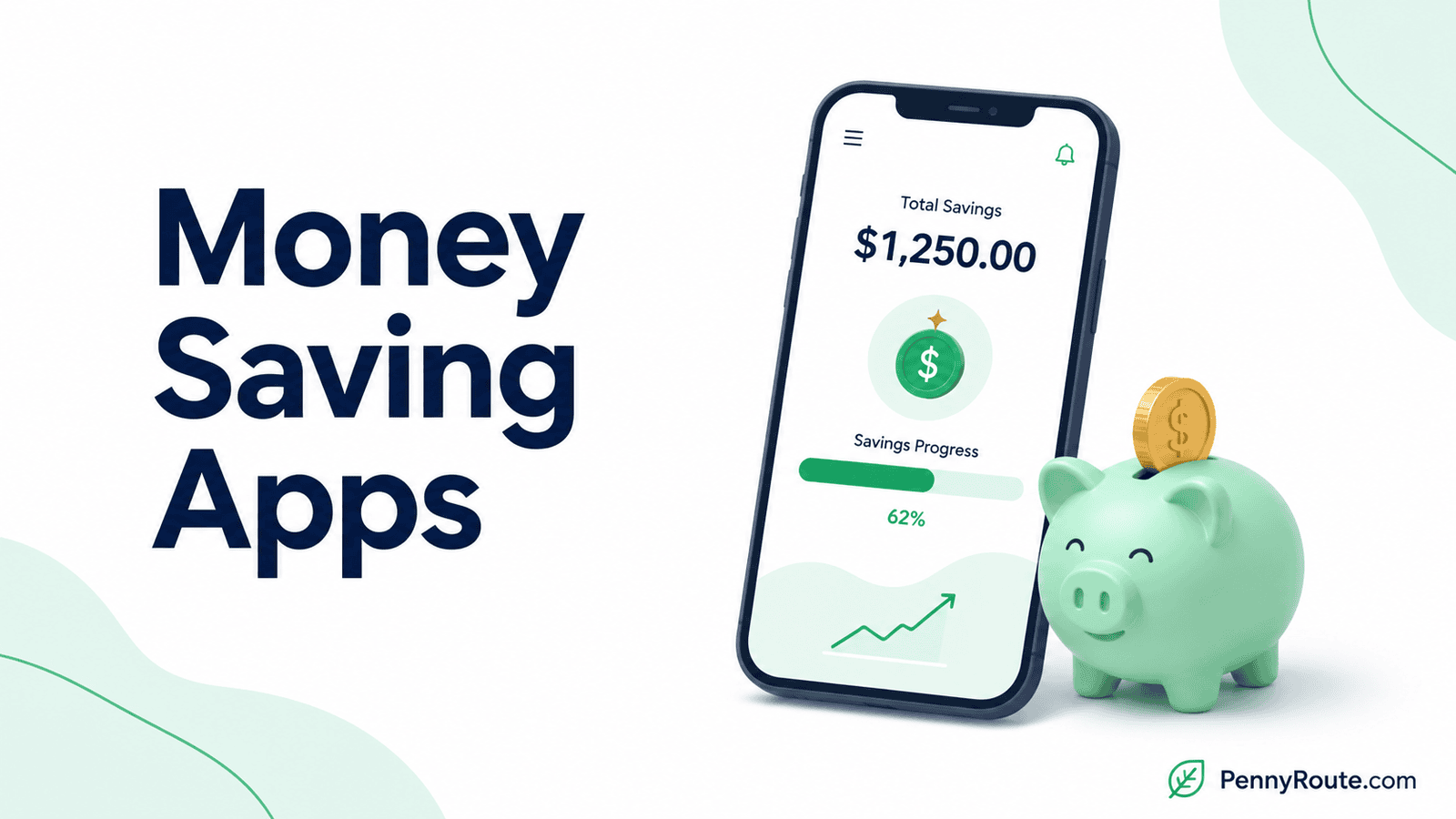
Money-saving apps can help in very different ways. Some move money into savings automatically, some help lower what you pay, and others make recurring expenses easier to spot and cut.
The right choice depends on where you are most likely to save. If putting money aside is the hard part, an automation-focused app may help more than a coupon tool. If spending is the bigger issue, reducing bills or purchase prices may make a bigger difference.
Disclaimer: This content is for informational purposes only and does not constitute financial advice. App features, pricing, account requirements, and availability can change, so check current details before signing up or paying for a plan.
Money Saving Apps at a Glance
| App | How it helps you save | Cost |
|---|---|---|
| Qapital | Automates saving with custom rules and goals | From $3/month |
| Oportun Set & Save | Adjusts automatic savings around your income and spending | $3.99/month billed annually or $5.99/month |
| Chime | Automates savings from paychecks and everyday spending | No monthly fee for the savings account |
| Ally Bank | Organizes savings goals and automates transfers | No monthly maintenance fee |
| Rocket Money | Helps find recurring expenses and lower eligible bills | Free; Premium typically $7–$14/month |
| Capital One Shopping | Finds coupons and compares online prices | Free |
| Acorns | Invests spare change through Round-Ups | From $3/month |
Money Saving Apps Don’t All Save Money the Same Way
The biggest difference between these apps is where the savings actually come from.
- Automatic saving apps move money aside for you, often using rules or patterns in your cash flow.
- Bank-based tools build saving features into the account you already use.
- Shopping tools try to lower what you pay before or during a purchase.
- Recurring-expense tools help uncover costs you may be able to reduce or cancel.
- Round-up investing apps put small amounts into investments rather than cash savings.
That last distinction matters. Investing spare change can help you build money over time, but it is not the same as keeping cash in savings because investment values can rise or fall.
Best Money Saving Apps in 2026
Qapital
Best for: Automating savings with your own rules.
Qapital lets you create savings goals and fund them automatically using rules you choose. Those rules can move money after certain actions or on a schedule, including options such as Round Up, Payday, and Set & Forget. Money assigned to a Savings Goal is held in a Qapital Goals account with one of Qapital’s partner banks.
The appeal is the amount of control you have over what triggers a transfer. Instead of relying on one fixed savings schedule, you can build automation around the way you get paid or spend money. The Basic plan currently costs $3 per month and includes personalized savings goals and automatic saving rules.
Good fit if…
- Regular transfers are easy to forget.
- Small automatic deposits suit your cash flow.
- Several savings goals need separate tracking.
- Custom triggers would make saving easier to maintain.
You may prefer another option if…
- A free savings tool is a priority.
- One recurring bank transfer already works well.
- You prefer keeping savings at your current bank.
- Custom saving rules would add unnecessary complexity.
Oportun Set & Save
Best for: Automatic saving that adjusts to your cash flow.
Oportun Set & Save takes a different approach from rule-based apps such as Qapital. It looks at your income and spending patterns, then automatically moves smaller amounts from your linked bank account into savings when its system determines the timing makes sense. You can also create goals with target amounts or dates.
The main appeal is that you do not have to decide the amount for every transfer yourself. Oportun also provides controls to pause saving or limit transfers, which is useful when your checking balance needs more breathing room. After a 30-day trial, Set & Save currently costs $3.99 per month when billed annually or $5.99 month to month.
Good fit if…
- Your available cash changes throughout the month.
- Fixed savings transfers are difficult to maintain.
- You prefer smaller transfers made automatically.
- Several savings goals need ongoing attention.
You may prefer another option if…
- You want full control over every transfer amount.
- A free savings tool is a priority.
- Your income and expenses are highly predictable.
- A simple recurring bank transfer already works well.
Chime
Best for: Building savings into your everyday banking.
Chime combines a savings account with automatic saving features built into its broader banking setup. Round Ups can move the difference from eligible debit card purchases into savings, while Save When I Get Paid can automatically direct part of qualifying deposits into the Savings Account. Chime also supports custom savings goals inside the app.
The main distinction here is that Chime is not a standalone savings app. You need a Chime Checking Account to open the Savings Account, so it makes more sense if you are comfortable using Chime for everyday banking as well as saving. The Savings Account currently has no monthly fee or minimum balance requirement.
Good fit if…
- You want saving built into everyday banking.
- Paycheck-based automation suits your routine.
- Round Ups would add useful extra savings.
- Several savings goals need separate tracking.
You may prefer another option if…
- You want to keep your current checking account.
- A standalone savings app is easier to manage.
- Custom saving rules matter more than banking features.
- You rarely use a debit card for everyday spending.
Ally Bank
Best for: Organizing multiple savings goals in one account.
Ally Bank takes a more traditional savings-account approach, but adds tools that make it easier to organize and automate your goals. Savings Buckets let you divide one savings balance among different purposes, while Boosters can automate recurring transfers, Round Ups, and Surprise Savings. Ally currently charges no monthly maintenance fee on its Savings Account.
This option makes the most sense if you want your savings to stay in a bank account rather than a separate savings app. You can keep goals such as an emergency fund, travel, or a large purchase separate without opening multiple savings accounts, and then automate contributions to those buckets over time. Ally’s savings rate is variable, so the current APY can change after the account is opened.
Good fit if…
- Several savings goals need separate tracking.
- You want savings kept in a bank account.
- Recurring transfers suit your routine.
- A monthly app fee is something you want to avoid.
You may prefer another option if…
- Custom trigger-based saving rules matter more.
- You want the app to decide how much to save.
- Changing banks would add unnecessary hassle.
- Your current savings account already covers these needs.
Rocket Money
Best for: Finding recurring expenses and lowering eligible bills.
Rocket Money can help you save by making recurring expenses easier to see and act on. It automatically identifies subscriptions from connected accounts, and Premium members can use its cancellation service for unwanted subscriptions. Bill negotiation is also available, with a fee charged only when Rocket Money successfully lowers an eligible bill.
The important distinction here is that Rocket Money does not move cash into savings for you. Its value comes from reducing money that is already leaving your account. Bill negotiation is available to free and Premium users, but the success fee is currently 35% to 60% of the first year’s savings, so the fee should be weighed against the amount actually saved.
Good fit if…
- Recurring charges are easy to lose track of.
- You have bills that may be negotiable.
- Reducing expenses matters more than automating transfers.
- You want a free starting option.
You may prefer another option if…
- You mainly need help moving money into savings.
- Your subscriptions are already well organized.
- Success-based negotiation fees are a concern.
- You prefer handling cancellations and negotiations yourself.
Capital One Shopping
Best for: Lowering the cost of online purchases.
Capital One Shopping looks for coupon codes while you shop online and can automatically test them at checkout. It also compares prices at participating retailers and may alert you when an item you viewed drops in price. You do not need a Capital One credit card or bank account to use the service.
Its role in this list is different from an app that moves money into savings. Capital One Shopping is designed to help reduce what you pay for purchases you were already planning to make. It also offers Shopping Rewards on eligible purchases, but those rewards are redeemed for participating retailer gift cards rather than cash deposited into your savings account.
Good fit if…
- You regularly shop online.
- Checking coupon codes manually is easy to skip.
- Price differences across retailers matter to you.
- You can stick to purchases you already planned.
You may prefer another option if…
- You rarely shop online.
- Automatic cash saving is the main priority.
- Shopping prompts tend to encourage extra purchases.
- You prefer cashback paid directly as cash.
Acorns
Best for: Investing spare change automatically.
Acorns uses Round-Ups to invest small amounts from everyday purchases. If you spend $7.25, for example, the purchase can be rounded up to $8 and the $0.75 difference invested once your Round-Ups are transferred. Acorns also supports recurring investments for people who want to add money on a regular schedule.
The important distinction is that this money is invested rather than kept as cash savings. Investment values can rise or fall, so Acorns is not a substitute for an emergency fund or other money you need to keep readily available. Current Acorns plans start at $3 per month.
Good fit if…
- Small, automatic investments suit your routine.
- You want to start investing with modest amounts.
- Round-Ups would make investing easier to maintain.
- Long-term growth matters more than immediate access.
You may prefer another option if…
- You are building cash savings first.
- The money needs to stay readily available.
- Investment losses would be difficult to absorb.
- A monthly subscription is hard to justify.
Which Type of Money Saving App Should You Use?
The right type of app depends on where you are most likely to save. You do not need every tool on this list.
| If your main need is… | A better fit may be… |
|---|---|
| Moving money into savings automatically | Qapital or Oportun Set & Save |
| Building saving into everyday banking | Chime or Ally Bank |
| Cutting recurring expenses | A subscription tracker such as Rocket Money |
| Paying less when shopping online | Capital One Shopping |
| Earning money back on purchases | A cashback app |
| Planning spending so more money stays available to save | A budgeting app |
| Investing small amounts automatically | Acorns |
A specialized app often makes more sense when one savings problem stands out clearly. If several areas need attention, start with the one that is costing you the most or making it hardest to put money aside consistently.
What to Check Before Paying for a Money Saving App
A money-saving app should leave you better off after fees, not simply make saving look easier on paper.
How the App Creates Savings
Be clear about where the benefit comes from. Some apps move your own money into savings, while others reduce spending, organize goals, or invest small amounts.
What the App Costs Over a Year
A small monthly fee adds up. An app that costs $5 per month costs $60 per year, so the features should provide enough value to justify that expense.
Where Your Money Goes
Check whether transfers stay in cash, move to a linked savings account, or are invested. That affects both access and risk.
How Much Control You Have
Look at whether you can pause transfers, change limits, adjust goals, or stop automation when your cash flow gets tight.
Whether the App Fits Your Existing Setup
A useful app should work with the bank accounts, payment habits, and savings system you already use. If switching accounts or maintaining another service creates more friction than benefit, a simpler option may work better.
Choose the Savings Tool That Fits the Problem
A money-saving app works best when it solves a specific problem you already have, whether that is setting money aside, cutting recurring costs, paying less when you shop, or organizing savings goals.
You do not need several apps doing similar jobs. Start with the one that addresses your biggest savings opportunity, then keep it only if it continues to earn its place in your routine.