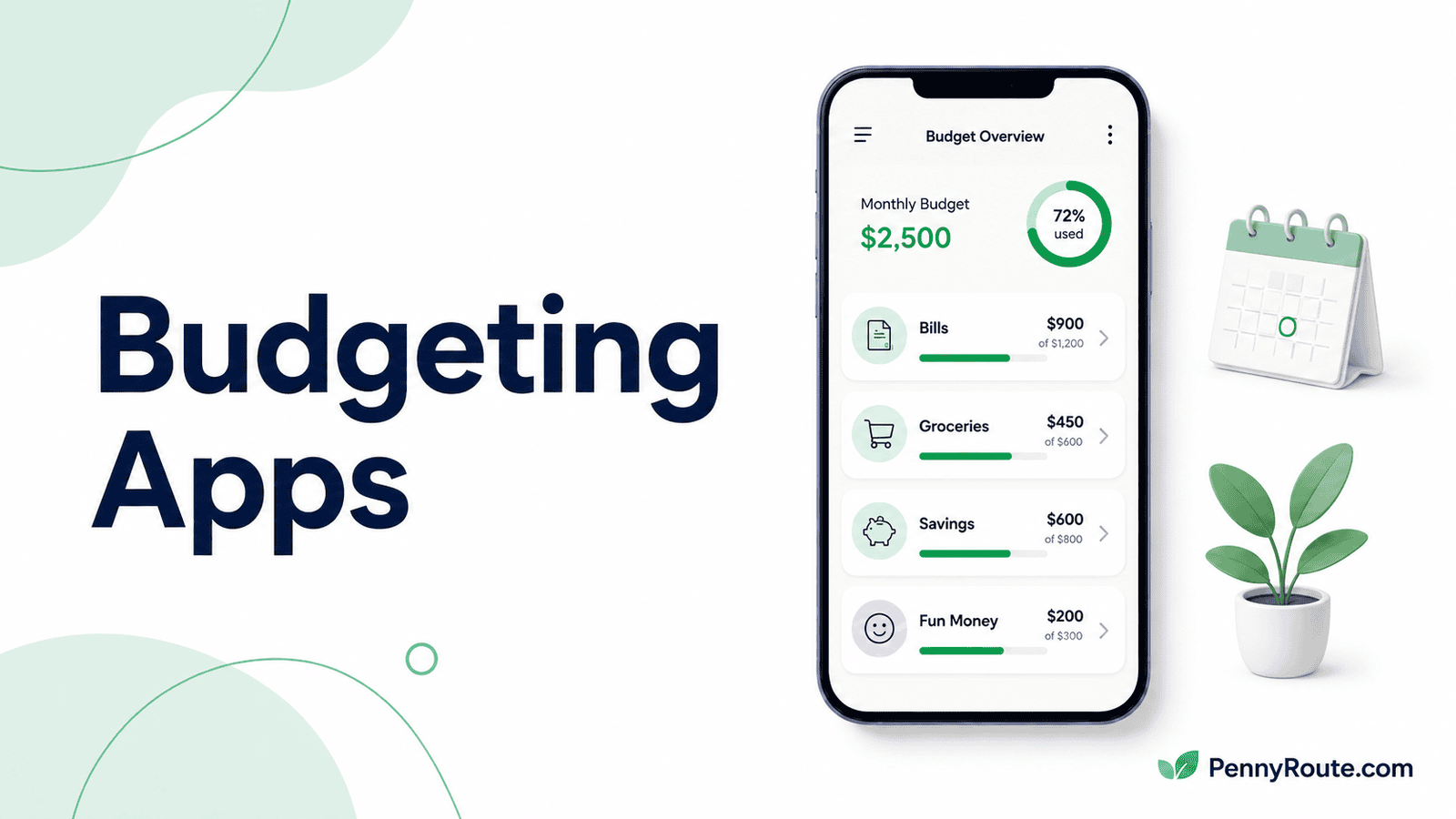
Starting your first budget is easier when the app helps you understand what to do next instead of giving you another dashboard to figure out.
Some budgeting apps ask you to plan each category yourself. Others connect your accounts, organize spending automatically, and show what is left after bills and other priorities. The best budgeting app for beginners is the one that matches how much structure, automation, and day-to-day involvement you actually want.
Disclaimer: This content is for informational purposes only and does not constitute financial advice. App pricing, features, account connections, and availability can change, so check current terms before choosing a service.
Budgeting Apps for Beginners at a Glance
| App | Best for | How you budget |
|---|---|---|
| EveryDollar | Building a simple first monthly budget | Manual or synced zero-based budgeting |
| PocketGuard | Seeing what you can safely spend | Automatic spending and bill tracking |
| Rocket Money | Keeping budgeting mostly automatic | Connected accounts and automatic categorization |
| YNAB | Learning a structured budgeting system | Hands-on category planning |
| Goodbudget | Learning with digital envelopes | Manual envelope budgeting |
| Quicken Simplifi | Understanding monthly cash flow | Automatic Spending Plan |
| Copilot Money | Visual spending and budget tracking | Automatic categorization with customizable budgets |
| Monarch Money | Growing beyond a basic budget | Flexible budgeting inside a broader financial dashboard |
Your First Budget App Should Match How You Want to Budget
Beginners do not all need the same level of structure. The easier the app fits your preferred way of handling money, the less likely you are to abandon it after the first few weeks.
Do You Want to Enter Spending Yourself or Connect Your Accounts?
Manual apps give you more control and can make it easier to notice where your money is going, but they require more regular input. Automatic apps connect to your accounts and categorize transactions for you, which reduces the work but can make budgeting feel more passive.
Do You Want a Budgeting Method or a Spending Overview?
Some apps give you a system to follow. YNAB, EveryDollar, and Goodbudget ask you to actively decide how money should be divided.
The app can organize the process, but the same basic decisions still apply when you make a budget for the first time: what needs to be covered, what you want to save, and how much is available for flexible spending.
Others, such as PocketGuard, Rocket Money, and Quicken Simplifi, focus more on organizing what is already happening and showing how much room you have left after bills and planned expenses.
How Much Setup Will You Realistically Maintain?
A detailed system can be useful, but only if you are willing to keep it updated. If you are new to budgeting, fewer categories, less manual entry, and a clearer monthly view may be easier to stick with than a highly customized setup.
The best starting point is usually the app that gives you enough structure to make decisions without turning every purchase into another task.
Best Budgeting Apps for Beginners
EveryDollar
Best for: Building a simple first monthly budget
EveryDollar is one of the easier places to start if you want to build a monthly budget yourself rather than have an app decide the structure for you. You plan where your income should go, enter spending as it happens, and adjust categories when the month does not go exactly as expected. The free version works without connecting a bank account, which can be useful if you want to understand the budgeting process before adding automation.
The tradeoff is the amount of manual work. Automatic bank connections and transaction importing require Premium, currently $79.99 per year or $17.99 per month after a 14-day trial. That makes the free version approachable for learning, but less convenient if entering purchases regularly is the part most likely to make you stop budgeting.
Good fit if…
- You have never built a monthly budget before.
- You want a clear system without a complicated dashboard.
- You are comfortable entering spending yourself at first.
- You want to start without connecting your bank accounts.
You may prefer another option if…
- Manual transaction entry is likely to become a chore.
- You want automatic tracking without paying for Premium.
- You prefer an app that focuses more on cash flow than category planning.
- You want a broader dashboard for investments and net worth.
PocketGuard
Best for: Beginners who want a simple answer to how much they can spend
PocketGuard can make budgeting easier to understand if you are more interested in what is available to spend than in building every category from scratch. After connecting your accounts and setting up the plan, it brings income, bills, spending, and other priorities together so you can see how much room is left in your budget. It also tracks category spending as transactions come in.
That simpler view can be useful when a detailed budgeting method seems like too much for a first attempt.
The tradeoff is that PocketGuard is now primarily a paid option: its current pricing page lists $74.99 per year or $12.99 per month, with a seven-day trial. If you would rather learn budgeting through manual entry without committing to a subscription, another app may be easier to start with.
Good fit if…
- You mainly want to know what is left after regular expenses.
- Connecting your accounts sounds easier than entering purchases manually.
- You want spending organized without learning a strict budgeting method.
- A clear monthly view matters more than extensive customization.
You may prefer another option if…
- You want a permanently free budgeting app.
- You would rather enter transactions yourself while learning.
- You want a structured method such as zero-based or envelope budgeting.
- You enjoy building and adjusting a highly detailed budget.
Rocket Money
Best for: Beginners who want most of the tracking handled automatically
Rocket Money can reduce some of the work that makes a first budget difficult to maintain. After you connect your accounts, transactions are categorized automatically and the budget shows your income, bills, spending categories, and what remains after those commitments. That can be easier to start with if manually recording every purchase is likely to make you lose interest.
The free version covers basic budgeting and spending visibility, while Premium adds more customization, including unlimited custom budget categories and more advanced transaction controls. Premium uses flexible pricing that is generally offered around $7 to $14 per month, with a seven-day trial for new Premium members.
Good fit if…
- Manually entering every purchase would be hard to maintain.
- You want your transactions organized automatically.
- You prefer seeing bills and everyday spending together.
- You want to start with basic budgeting before paying for more customization.
You may prefer another option if…
- You want a budgeting method that teaches you where to assign money.
- You prefer building your first budget without linking financial accounts.
- You need extensive category customization on the free plan.
- Subscription and bill-management features are not useful to you.
YNAB
Best for: Beginners who want a structured budgeting system to follow
YNAB is useful when you are new to budgeting and would rather follow a clear system than simply watch your spending after it happens. You assign the money you currently have to categories and priorities, then adjust the plan as expenses change. That structure can make budgeting less vague because the app expects you to make decisions about what your available money needs to cover.
The tradeoff is that YNAB asks for more involvement than apps that mainly categorize transactions automatically. There is some setup and terminology to learn, and you will get more value from it if you are willing to check and adjust your plan regularly. YNAB currently costs $109 per year or $14.99 per month and includes a 34-day free trial.
Good fit if…
- You want a budgeting method instead of only a spending dashboard.
- You are willing to spend some time learning how the system works.
- You want to plan with the money you already have.
- You expect to adjust your budget as the month changes.
You may prefer another option if…
- You want the app to do most of the budgeting automatically.
- You prefer a very quick setup with little ongoing attention.
- You want a permanently free budgeting app.
- Learning a new budgeting system sounds like more work than you want right now.
Goodbudget
Best for: Beginners who want to learn budgeting with digital envelopes
Goodbudget can make category budgeting easier to understand because each spending area gets its own digital envelope. You decide how much money belongs in groceries, transportation, savings, or other categories, then track spending against those amounts. The free plan lets you start manually with 10 regular envelopes and 10 additional annual or goal envelopes, so you can try the method without connecting a bank account or paying for a subscription.
That hands-on setup can be useful if you want your first budget to show clearly where money has been set aside. It does require more manual upkeep on the free plan, though. Premium currently costs $10 per month or $80 per year and adds automatic U.S. bank syncing, unlimited envelopes and accounts, and more device access.
Good fit if…
- Splitting money into clear spending categories makes sense to you.
- You want to start budgeting without linking a bank account.
- You are comfortable recording transactions manually at first.
- You want a free way to try envelope budgeting before upgrading.
You may prefer another option if…
- You want transactions categorized automatically from the start.
- Manual envelope updates are likely to become tedious.
- You prefer seeing one simple amount available to spend.
- You do not want to think about your budget in separate envelopes.
Quicken Simplifi
Best for: Beginners who want an automatic monthly cash-flow plan
Quicken Simplifi is useful if you want the app to organize much of the monthly picture for you. After your accounts and recurring transactions are set up, its Spending Plan brings together expected income, bills, subscriptions, savings goals, planned spending, and other expenses, then updates as transactions come in. That can make a first budget easier to follow when you would rather see what is available than manually assign every dollar.
The tradeoff is that Simplifi does more than basic budgeting, so the initial setup has more moving parts than a simple manual budget. It is also a paid service. Quicken is currently running promotional pricing, so I would avoid locking a temporary monthly rate into the article and compare the current subscription price before signing up.
Good fit if…
- You want income, bills, and spending organized automatically.
- A monthly cash-flow view makes more sense than assigning every dollar.
- You are comfortable connecting your financial accounts.
- You want a budget that updates as transactions come in.
You may prefer another option if…
- You want to start with a permanently free app.
- You would rather learn budgeting through manual entry.
- You want a strict zero-based or envelope method.
- A broader financial dashboard sounds more complicated than you need.
Copilot Money
Best for: Beginners who want a polished, mostly automatic spending view
Copilot Money can work well if you want to understand your spending without learning a formal budgeting method first. It connects your accounts, categorizes transactions automatically, and gives you a clean visual view of spending, budgets, recurring expenses, and cash flow. That can make the first few weeks of budgeting easier if a busy or cluttered dashboard would put you off.
The main tradeoff is that Copilot is a paid service and still does not offer a native Android app. It also gives you more than a basic monthly budget, so it makes the most sense if you value automatic tracking and a polished interface enough to justify the subscription.
Good fit if…
- You want transactions categorized for you.
- A clean visual overview helps you understand spending.
- You prefer adjusting a budget rather than building everything manually.
- You use Apple devices or are comfortable using the web version.
You may prefer another option if…
- You want a native Android app.
- You are looking for a permanently free option.
- You want a structured budgeting method to follow.
- You only need a very simple first monthly budget.
Monarch Money
Best for: Beginners who want a budgeting app they can keep using as their finances get more complex
Monarch Money can be a good starting point if you want more than a simple monthly budget and expect your needs to grow over time. It connects your accounts, organizes transactions, and lets you build a flexible budget without requiring a strict method such as envelopes or zero-based planning.
The tradeoff is that Monarch includes much more than budgeting, including goals, recurring expenses, investments, and net-worth tracking. That broader view can be useful as your finances become more complex, but it can also be more than you need if you are only trying to get your first spending plan under control.
Good fit if…
- You want automatic transaction tracking from the start.
- You prefer a flexible budget rather than a strict budgeting method.
- You expect to use broader money-management features later.
- You would rather grow into one app than switch tools as your needs change.
You may prefer another option if…
- You only need a simple first monthly budget.
- You want a free ongoing option.
- You prefer a structured method that tells you how to budget.
- A broader financial dashboard would make getting started feel more complicated.
Budgeting App vs. Expense Tracker
A budgeting app helps you decide how your money should be used before the month is over. It may set category limits, build a spending plan, or show how much is available after bills and savings.
An expense tracker is more focused on recording and organizing where money has already gone. If you mainly want visibility into spending without building a forward-looking plan, dedicated expense tracker apps may be a better fit.
For a beginner, the distinction matters because an app that only shows past transactions will not necessarily help you decide what to do with the rest of this month’s money.
Is a Free Budgeting App Enough When You’re Starting Out?
For a first budget, a free app can be enough if you are comfortable entering transactions yourself and mainly need help organizing income, bills, and spending categories.
Paying for an app becomes more useful when the subscription removes work you are unlikely to keep doing manually. Bank syncing, automatic categorization, more flexible budgets, or better cash-flow views can make a difference if those features help you stay consistent.
The key is to pay for a specific benefit, not just a longer feature list. If the free version already gives you a budget you understand and can maintain, there is no reason to upgrade just because a paid plan exists.
Start With the Budgeting Style You Can Maintain
Your first budgeting app does not need to handle every part of your financial life. It needs to make your income, bills, spending, and priorities easier to understand from month to month.
Start with the approach that matches how involved you want to be. If you can understand the plan, update it without too much friction, and use it to make everyday spending decisions, the app is doing enough.