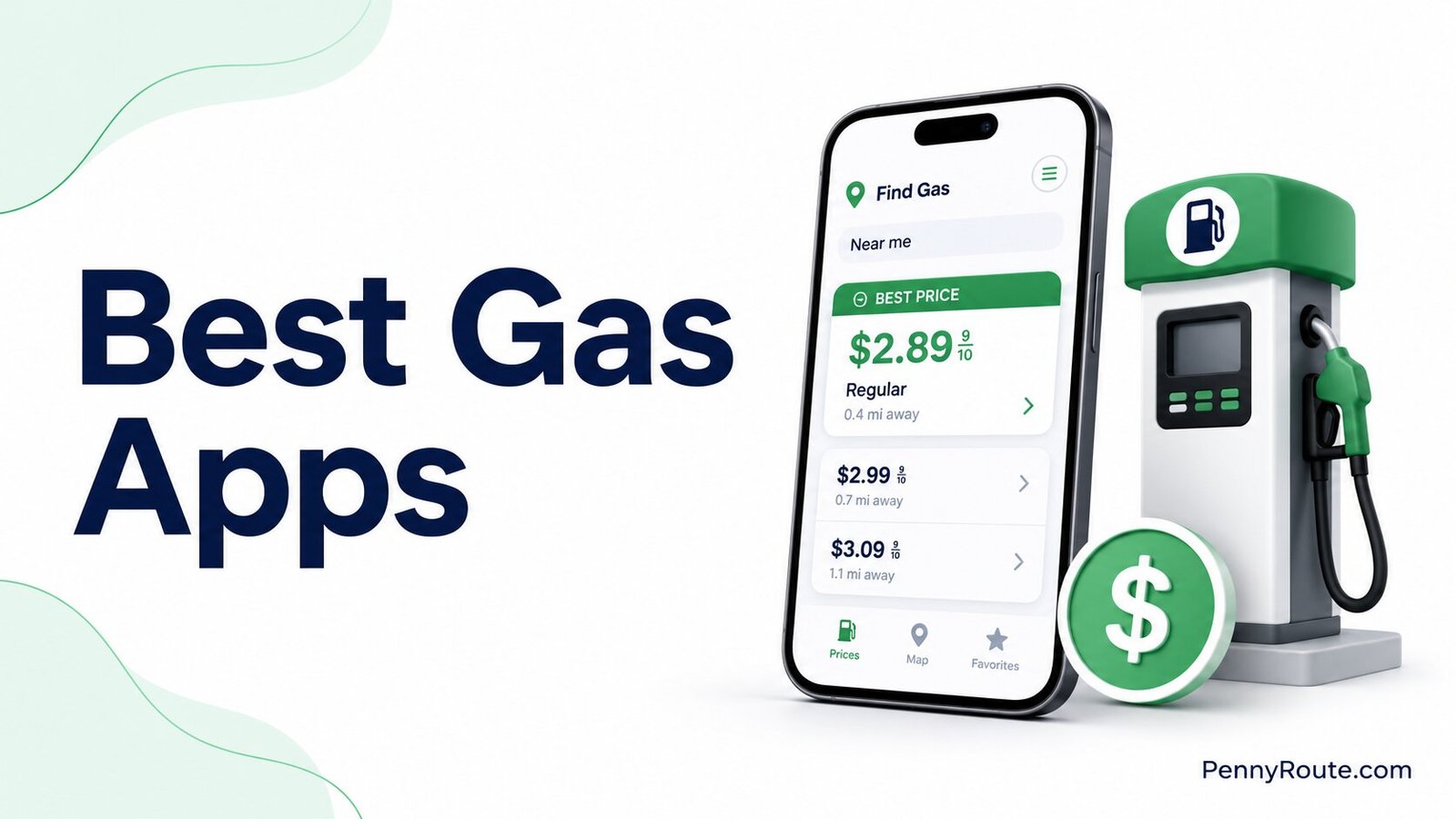
Gas apps can lower what you spend at the pump, but the savings are not always as simple as the advertised discount. One app may help you find a cheaper station, another may offer cash back, and a station loyalty app may reward you for filling up within the same network.
The biggest reward is not automatically the cheapest option. A station offering 15 cents per gallon back can still cost more than a nearby station with a lower pump price, and driving several miles out of your way can erase a small discount.
The best gas apps are the ones that work near your normal routes and leave you paying less after the pump price, reward, and extra driving are considered. That is the comparison that matters more than the largest savings number shown on the screen.
Disclaimer: This content is for informational purposes only. App features, rewards, fees, eligibility, and availability can change, so check the current terms, offer requirements, and privacy details before relying on a specific discount or linking a payment account.
Best Gas Apps at a Glance
| App | Best for | How it may save you money |
|---|---|---|
| GasBuddy | Comparing nearby gas prices | Helps you find lower-priced stations and may offer additional fuel deals |
| Upside | Earning cash back on gas | Provides cash-back offers at participating stations |
| Waze | Finding gas along your route | Lets you compare available station prices without straying far from your trip |
| Google Maps | Occasional gas-price checks | Shows nearby stations and available fuel prices while you search or navigate |
| AAA Mobile and TripTik | Planning fuel stops on road trips | Helps compare available prices and locate stations along a planned route |
| Checkout 51 | Receipt-based gas offers | Provides cash back on eligible fuel purchases after receipt verification |
| Shell App | Regular Shell customers | Applies eligible Fuel Rewards discounts and station offers |
| earnify | bp, Amoco, and ampm customers | Provides eligible fuel discounts, points, and member offers |
How Gas-Saving Apps Work
Not every gas app saves you money in the same way. Some help you find a cheaper station, some give you cash back after an eligible purchase, and others reward you for sticking with a particular fuel brand.
That difference matters because a 10-cent reward is not automatically better than a station that starts 15 cents cheaper.
Gas Price Comparison Apps
Price-comparison apps help you check nearby fuel prices before you fill up.
GasBuddy, Waze, Google Maps, and AAA tools can all help with this, although they differ in how much fuel-specific detail they provide.
These apps are most useful when you have several stations nearby and want to compare prices without driving around first. If the price difference is small, check how recent the listing is before making an extra trip.
Gas Cashback Apps
Cashback apps give you money back after an eligible fuel purchase, but they usually require a few extra steps.
With apps such as Upside or Checkout 51, you may need to claim an offer before filling up, use an eligible payment method, check in, or submit a receipt afterward.
The reward only matters if the final price is competitive. A station offering more cash back can still cost more than another station with a lower pump price.
Gas Station Loyalty Apps
Loyalty apps are tied to a particular fuel network and may provide per-gallon discounts, points, or member offers.
Shell and earnify are useful examples. They make the most sense when those stations already fit your normal routes and their prices remain competitive after the reward.
If you have to drive farther or consistently pay more at the pump just to earn the loyalty benefit, the discount loses much of its value.
8 Best Gas Apps to Save Money
1. GasBuddy
Best for: Comparing gas prices at nearby stations
GasBuddy is primarily a gas-price comparison tool. It lets you search nearby stations and compare available prices by factors such as distance, fuel type, and station amenities, which is useful when several options are already along your normal route.
Its savings features go beyond price listings, but they require more attention. Personalized Flash Deals need to be activated before fueling, and payment or verification requirements depend on the offer.
Because some station prices are reported or updated through GasBuddy’s network, check how recently a price was submitted before driving farther for a small difference.
Good fit if…
- You have several stations nearby.
- Price differences are meaningful in your area.
- You usually choose a station before leaving your route.
- Fuel deals are optional rather than essential.
You may prefer another option if…
- You mainly want direct cash back.
- Nearby price reports are often sparse.
- You rarely compare stations before filling up.
- You want fewer offer-related steps.
2. Upside
Best for: Earning cash back at participating gas stations
Upside focuses on cash back rather than simply showing nearby pump prices. You claim an offer for a participating location before buying fuel, then pay with an eligible debit or credit card. After the purchase is verified, the cash back is added to your account. Most claims currently process within four business days, although some locations can take up to 10.
Its strongest value is when a worthwhile offer appears at a station you would reasonably use anyway. The headline cash-back amount should still be compared with the starting pump price, since a larger reward at a more expensive station may not leave you paying less overall.
Good fit if…
- Participating stations are already on your usual routes.
- Cash back matters more than price comparison alone.
- Claiming an offer before fueling fits your routine.
- You are comfortable paying by card.
You may prefer another option if…
- Local offers are limited or rarely competitive.
- You usually pay for gas with cash.
- You want savings applied immediately at the pump.
- Claiming offers is easy to forget.
3. Waze
Best for: Comparing gas prices while you are already navigating
Waze is a navigation app first, but its gas-station search makes it useful when you need fuel during a trip. You can set a preferred fuel type and brand, then sort station results by price, distance, or brand. That makes Waze a practical choice when convenience matters almost as much as finding the lowest listed price.
Gas-price data is not guaranteed to match the pump when you arrive. Waze says prices may come from users, Google, and other partners, and users can also update station prices directly. Check the listed price before making a meaningful detour, especially when the difference between stations is small.
Good fit if…
- Waze is already your main navigation app.
- Fuel stops need to fit an existing trip.
- Price and distance both affect your choice.
- You do not need a separate rewards account.
You may prefer another option if…
- Direct cash back is the main priority.
- You want fuel-specific rewards or offers.
- Local price updates are often limited.
- You rarely use navigation while driving.
4. Google Maps
Best for: Occasional gas-price checks without a separate fuel app
Google Maps works well when you only need a quick fuel-price check and already use the app for directions. You can search for nearby gas stations, and available station listings may include current gas prices.
During navigation, Google Maps can also help you find fuel stops along your route, while CarPlay can show details such as gas prices and detour times.
Its main advantage is convenience rather than fuel-specific depth. Price information is not available for every station or location, and Google notes that gas-price data can sometimes be incorrect. That makes it better for comparing convenient options than chasing a small price difference across town.
Good fit if…
- Google Maps is already part of your driving routine.
- You only check fuel prices occasionally.
- Convenient stops matter as much as the lowest price.
- You want one app for navigation and station search.
You may prefer another option if…
- You want direct cash back on fuel.
- Fuel prices rarely appear near you.
- You compare stations before most fill-ups.
- You want more fuel-specific filters and offers.
5. AAA Mobile and TripTik
Best for: Planning fuel stops on road trips
AAA TripTik is most useful when fuel stops are part of a longer drive rather than a quick local fill-up. The planner can show gas stations and available fuel prices along your route, while also helping you account for where the stop fits into the trip. AAA says TripTik fuel-price information is updated multiple times per day.
The AAA Mobile app adds roadside assistance and other membership features, but you do not need to pay for a membership just to use the online TripTik planning tools. That makes AAA a better fit for route-based fuel planning than for someone mainly looking for cash back on everyday gas purchases.
Good fit if…
- You plan fuel stops before longer drives.
- Route convenience matters as much as price.
- You already use AAA travel tools.
- You want fuel stops built into trip planning.
You may prefer another option if…
- You mainly want cash back on gas.
- Most fill-ups are close to home.
- You want more fuel-specific filters.
- Road-trip planning is rarely useful to you.
6. Checkout 51
Best for: Receipt-based gas cash back
Checkout 51 takes a more hands-on approach than linked-card cashback apps. You select an eligible gas offer before filling up, complete the purchase within the offer window, then upload a clear itemized receipt for verification. Current gas offers generally need to be used within four hours, with the receipt submitted within 20 hours.
That extra step can be worthwhile if participating offers are strong near you or if you already use Checkout 51 for other purchases. Approved gas rewards are added to your account after processing, and cash-out becomes available once your balance reaches $20.
Good fit if…
- Receipt uploading already fits your routine.
- Participating gas offers are common nearby.
- You do not mind waiting to reach $20.
- You already use Checkout 51 for other purchases.
You may prefer another option if…
- You want automatic purchase verification.
- You often forget short offer deadlines.
- You prefer smaller or faster cash-outs.
- Receipt submission feels like extra work.
7. Shell App
Best for: Regular Shell customers who want fuel discounts and loyalty rewards
The Shell App combines station search, mobile payment, and the Shell Fuel Rewards program in one place. Current Fuel Rewards benefits include status-based per-gallon savings at participating stations, with the amount depending on your membership tier and any additional eligible offers.
The app makes the most sense when Shell stations already fit your normal routes. A loyalty discount does not automatically make Shell the cheapest option, so compare the discounted pump price with nearby stations before choosing the brand for the reward alone. Some payment features, including Shell S Pay, require additional enrollment and a linked checking account.
Good fit if…
- Shell stations are convenient near you.
- You fill up with the same brand regularly.
- Immediate fuel discounts appeal to you.
- Loyalty rewards fit your normal routine.
You may prefer another option if…
- Nearby Shell prices are usually higher.
- You switch station brands frequently.
- You want rewards across several networks.
- You prefer not to manage a loyalty account.
8. earnify
Best for: Regular bp, Amoco, and ampm customers
earnify is bp’s loyalty app for participating bp, Amoco, and ampm locations. Members currently receive a 5-cent-per-gallon fuel discount and earn one point per dollar spent on fuel and two points per dollar on qualifying in-store purchases. Points can be used for additional fuel savings or eligible store purchases.
The app is most valuable when participating stations already fit your regular driving routes. That matters more than the loyalty rate alone, since a nearby competitor may still have a lower final price. bp says earnify is available across thousands of participating U.S. locations, but coverage will still depend on what is convenient in your area.
Good fit if…
- bp, Amoco, or ampm stations are nearby.
- You regularly use the same fuel network.
- Fuel discounts matter more than broad price searching.
- In-store purchases also earn useful rewards.
You may prefer another option if…
- Other stations are usually cheaper nearby.
- You switch fuel brands often.
- You want cash back instead of points.
- Local participating locations are limited.
How to Calculate Your Real Savings on Gas
A lower listed price or a bigger reward does not always mean you will spend less overall. The fairest comparison is the final cost of the fill-up, including any reward and the extra fuel used to reach the station.
Net savings = (price difference × gallons purchased) + reward value − extra driving cost − applicable fees
Gas Savings Formula
Compare the Price After the Reward
Start with what the fuel effectively costs after the discount or cash back.
Suppose one station charges $3.40 per gallon and offers 10 cents per gallon back. If you buy 12 gallons, the reward is worth $1.20, making the effective fuel cost about $3.30 per gallon.
If another convenient station charges $3.27 with no reward, the second station is still cheaper.
This is why the largest offer in an app should not be the deciding factor by itself. Check the starting pump price as well as any gallon limits, fees, or offer restrictions that reduce the reward.
Include the Cost of Driving Farther
A cheaper station becomes less attractive when reaching it requires extra driving.
Detour fuel cost = extra miles ÷ vehicle MPG × fuel price
Detour Cost Formula
If you want to estimate what a longer detour or full trip will cost in fuel, the fuel cost calculator can factor in distance, extra driving, your vehicle’s fuel efficiency, and the fuel price you enter.
Suppose a station requires a six-mile round-trip detour and charges 10 cents less per gallon. Buying 12 gallons saves $1.20 at the pump.
If your vehicle gets 25 MPG and gas costs $3.40 per gallon:
- 6 extra miles ÷ 25 MPG = 0.24 gallons used;
- 0.24 gallons × $3.40 = about $0.82 in extra fuel;
- $1.20 saved − $0.82 spent = about $0.38 in net savings.
A detour can still make sense when the price difference is larger, you need more fuel, or the station is already near another stop. The calculation simply shows why driving across town for a few cents per gallon is not always a bargain.
Can You Combine Gas Apps and Other Rewards?
Sometimes, but it depends on the specific offer. A gas app, station loyalty program, and card reward do not automatically stack just because each one advertises a separate saving.
A few combinations may work, such as:
- using a price-comparison app to find a competitive station, then applying that station’s loyalty discount;
- earning a card reward on a fuel purchase that also qualifies for a station discount;
- using a cashback offer alongside another promotion when the app’s current terms allow it.
The key is to check the offer rules before assuming the savings can be added together. Some programs reduce the reward when another discount is used, while others exclude purchases that have already earned cash back through a different service.
For example, Upside says station rewards or coupons can reduce the cash-back amount, and some offers may not qualify when another cashback service is involved. Checkout 51 also places limits around combining eligible gas offers with other cashback programs.
A safer way to compare is to look at the final confirmed saving rather than adding every advertised reward together in advance.
What to Check Before Linking a Card or Bank Account
Some gas apps only need your location to show nearby prices. Others may ask you to add a card, connect a checking account, or upload a receipt to verify a purchase or process payment.
Those connections do not all serve the same purpose. Before linking anything, check:
- What the connection is for: purchase verification, payment, or cash-out.
- What information is used: transaction details, location data, receipt information, or account details.
- Whether money can be withdrawn: some payment features connect directly to a checking account.
- How to disconnect it: make sure you know how to remove a card or bank account later.
For example, adding a card to Upside is generally used to match eligible purchases, while features such as Pay with GasBuddy+ or Shell S Pay can involve a linked checking account for payment. That is a meaningful difference if you are comfortable sharing card details but do not want an app connected directly to your bank account.
Download the official app and review the current payment and privacy terms before connecting an account. If you would rather avoid linking financial information, a price-comparison app or a receipt-based offer may be a better fit.
Make Sure the Savings Are Worth the Stop
A gas app does not need to offer the biggest advertised reward to be useful. The better option is the one that works near your regular routes and leaves you paying less after the pump price, reward, and any extra driving are considered.
Start with one or two apps that fit how you already buy gas. If they consistently make it easier to find a better-priced station or earn a worthwhile reward, they are doing their job.