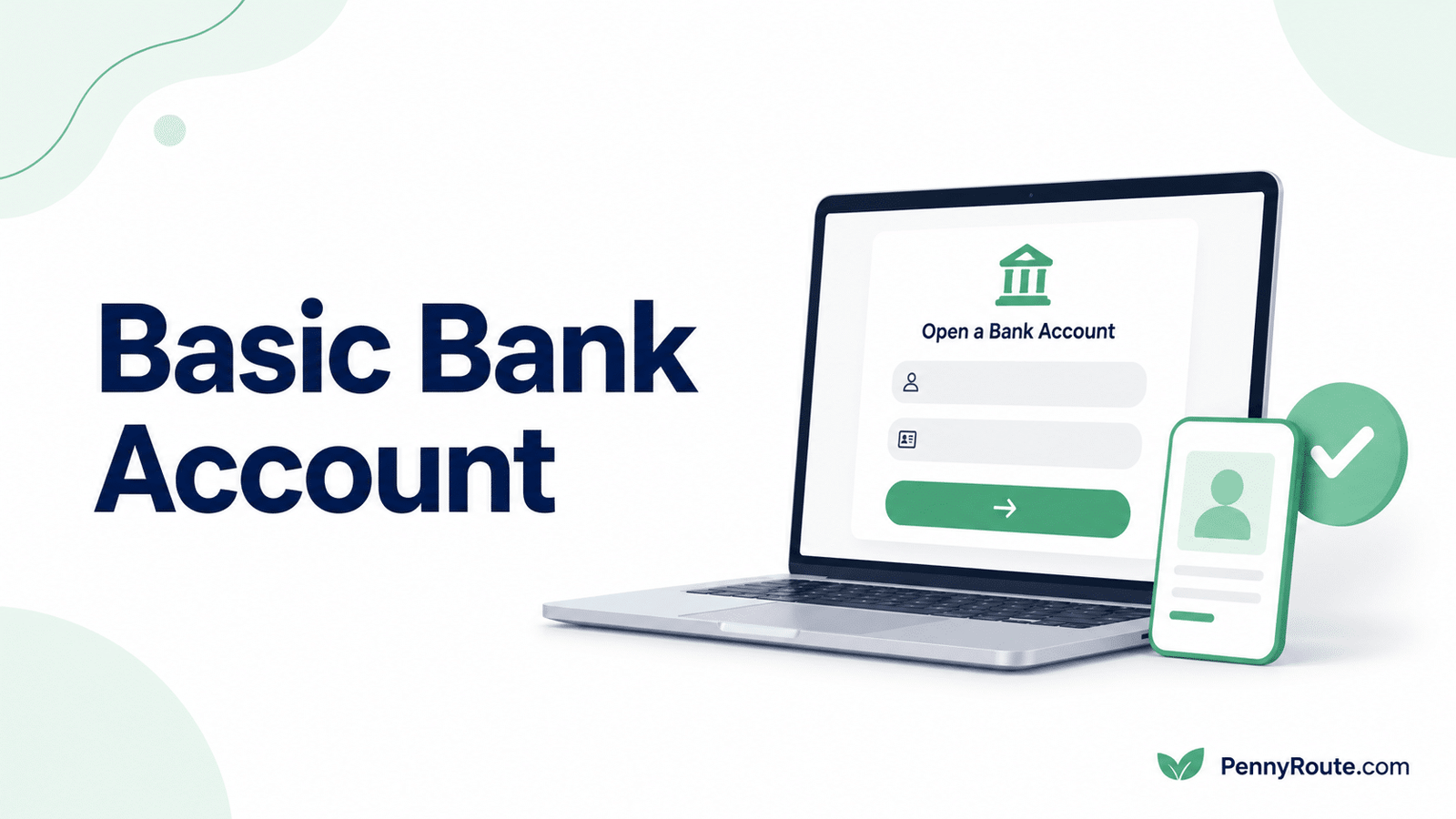
An online bank account application can be completed from home, but approval still depends on the bank being able to confirm your identity and eligibility.
To open a basic bank account online, you may need to provide personal details, an identification number, contact information, and documents requested by the institution. A mismatch in your name, address, or identification records can delay the application or lead to additional verification.
Before submitting anything, review the account’s fees, minimum-balance rules, deposit options, and access features so the account still suits your needs after it opens.
Disclaimer: This content is for informational purposes only and does not constitute financial or banking advice. Account requirements, fees, and approval processes vary by financial institution.
Quick Overview
- Many checking and savings accounts can be opened through a bank’s website or mobile app.
- Online applications typically require personal details, identification information, and contact verification.
- The bank may request supporting documents or an in-person visit if your identity cannot be confirmed online.
- Review fees, minimum-balance rules, deposit options, and account access before applying.
- Some accounts require an opening deposit, while others can be opened with no money upfront.
- Approval can be delayed by mismatched information, incomplete documents, or deposit-account screening.
What Does “Basic Bank Account” Mean?
In the United States, “basic bank account” is usually an informal term rather than one standard account category.
It often refers to a checking or savings account with core features such as deposits, withdrawals, transfers, online access, and federal deposit insurance when held at an eligible institution.
Banks use different names for these accounts, including:
- Everyday checking
- Simple checking
- Standard checking
- Basic savings
- Everyday savings
The product name does not guarantee low fees or simple requirements. Review the actual account terms, including monthly charges, balance rules, ATM access, deposit options, and overdraft policies.
Checking is generally designed for payments and frequent transactions, while savings is intended for money set aside for future use. Comparing checking and savings accounts can help you choose the right account type.
Can You Open a Bank Account Entirely Online?
Many banks and credit unions allow eligible applicants to complete the full process through a website or mobile app.
You will typically need to:
- Enter your personal and contact information
- Provide an accepted identification number
- Upload requested documents
- Verify your phone number or email address
- Complete identity checks
- Accept the account agreement
- Add an opening deposit when required
An online application does not always end with immediate approval. The institution can request more information, place the application under review, or ask you to visit a branch if it cannot confirm your identity electronically.
Joint applicants, minors, recent movers, and people with limited U.S. identification records are more likely to face additional verification. The exact process depends on the institution and the account.
What Information Do You Need to Open a Bank Account Online?
Online applications collect enough information to confirm your identity, determine eligibility, and create the account correctly. The exact requirements differ by institution, but most applications cover the following categories.
Personal Information
Be prepared to provide:
- Your full legal name
- Date of birth
- Residential address
- Phone number
- Email address
- Citizenship or residency details when requested
- Employment or income information for certain accounts
Enter the details exactly as they appear on your identification and official records. Differences in spelling, address format, or name history can trigger additional verification.
Identity and Tax Information
The bank generally asks for an identification number, such as:
- A Social Security number
- An Individual Taxpayer Identification Number
- Another form accepted under the institution’s verification process
You could also need a government-issued photo ID, such as a driver’s license, state ID, or passport. Some applications require photos of the document, while others use an identity-verification service to check the information electronically.
The Consumer Financial Protection Bureau’s bank account guidance provides additional information about opening an account, identification requirements, and alternatives that some institutions accept when an applicant does not have a Social Security number.
Joint-Owner Information
When opening a joint account, each owner usually completes identity verification and provides the same core personal information.
Before applying, decide how the account will be owned and confirm whether each person can:
- Deposit and withdraw money
- Use a debit card
- View transaction history
- Change account settings
- Close the account
Each joint owner generally has broad access, so the ownership arrangement should be clear before the application is submitted.
Funding Information
When an opening deposit is required, you will need an accepted funding method. Options often include:
- A transfer from another bank account
- A debit card
- Mobile check deposit
- Cash or check deposited at a branch
- Direct deposit after the account opens
Confirm the required deposit amount, funding deadline, and whether transferred money will be available immediately.
Check These Account Terms Before Applying
The application itself may take only a few minutes, but the account terms determine what it will cost and how practical it will be after approval.
Review these details before submitting the application:
| Account term | What to confirm |
|---|---|
| Monthly maintenance fee | The amount, when it applies, and any conditions for avoiding it |
| Opening deposit | Whether money is required to open the account and the funding deadline |
| Minimum balance | Whether falling below a stated balance creates a fee or affects account benefits |
| ATM access | The size of the network and charges for using out-of-network machines |
| Overdraft policy | Whether transactions are declined, covered for a fee, linked to another account, or handled through a credit product |
| Deposit options | Whether you can add money through direct deposit, transfers, mobile check deposit, cash, or a branch |
| Transfer limits | Any limits on the amount or frequency of incoming and outgoing transfers |
| Account insurance | Whether eligible deposits are protected by the FDIC or NCUA, subject to applicable limits |
Note: You can use the FDIC’s deposit insurance resources to confirm how eligible checking and savings deposits are protected at an FDIC-insured bank.
A bank account advertised as “free” can still charge for overdrafts, out-of-network ATMs, paper statements, replacement cards, or other services.
Review the fee schedule and account agreement rather than relying only on the product name or promotional page.
How to Open a Basic Bank Account Online Step by Step
1. Confirm the Account Type
Decide whether you need checking, savings, or both.
Checking is generally better for bills, purchases, debit card use, and frequent transfers. Savings is better suited to money you want to keep separate for emergencies or future expenses.
2. Review Eligibility and Fees
Check the account’s age, residency, identification, and deposit requirements before starting the application.
Also review:
- Monthly maintenance fees
- Fee-waiver conditions
- Minimum-balance rules
- ATM access
- Overdraft terms
- Deposit and transfer options
This prevents you from completing an application for an account that does not fit your situation.
3. Gather the Required Information
Prepare your identification, contact details, tax information, and funding method before you begin.
Enter your name, address, and date of birth exactly as they appear on official records. Even a small mismatch can lead to additional verification.
4. Apply Through the Official Website or App
Use the bank or credit union’s official website or verified mobile app.
Avoid application links from unsolicited emails, text messages, pop-up ads, or unfamiliar websites. Confirm that you are on the correct domain before entering personal or financial information.
5. Complete Identity Verification
Follow the institution’s instructions to confirm your identity.
This process can include:
- Uploading photos of an identification document
- Verifying your phone number or email address
- Answering questions based on public records
- Taking a selfie or completing a video check
- Providing proof of address
- Submitting additional documents
If the information cannot be confirmed electronically, the institution might place the application under review or request an in-person visit.
6. Review the Agreement Before Accepting
Read the account agreement, fee schedule, privacy notice, and overdraft disclosures before completing the application.
Confirm:
- The monthly fee and waiver conditions
- Any minimum-balance requirement
- The opening deposit
- ATM and transfer fees
- Overdraft choices
- When deposits become available
- Whether the account terms can change after a promotional period
Save a copy of the disclosures for your records.
7. Fund the Account When Required
Add the opening deposit using one of the institution’s accepted methods.
The bank can place a temporary hold on transferred funds while the deposit is processed. Check when the money will become available, especially if you plan to use the account for an upcoming payment.
Do not close the funding account until the transfer has cleared and the new account is fully active.
How Online Identity Verification Works
Submitting the application does not automatically open the account. The bank must first confirm that the information belongs to you and meets its customer-verification requirements.
The process often includes several checks.
Document Verification
The bank can ask you to upload clear images of a driver’s license, state ID, passport, or another accepted document.
Make sure:
- The document is current and not expired
- All four corners are visible
- The photo and text are clear
- The name matches the application
- There is no glare or blur
Poor image quality can delay the review even when the information is correct.
Address and Record Matching
The institution compares details such as your name, date of birth, address, and identification number with available records.
A recent move, name change, abbreviated address, or typing error can cause a mismatch. Use the same format shown on your official documents whenever possible.
Phone, Email, or Selfie Checks
Some applications confirm your phone number or email through a one-time code. Others use a selfie, short video, or facial comparison to verify that the applicant matches the identification document.
Complete these checks in a well-lit place and follow the instructions carefully.
Additional Review
If the automated checks do not confirm your identity, the application can move to manual review.
The bank might request:
- A second form of identification
- Proof of address
- A tax document or government letter
- An explanation of a recent name or address change
- An in-person branch visit
A request for more information does not always mean the application has been denied. Respond through the bank’s secure channel and confirm any deadline for submitting documents.
Caution
If the bank sends an expected verification email or text, check that the sender, web address, and message details match the institution before using the link. For unexpected requests or anything that looks suspicious, open the bank’s official website or app directly and verify the request there.
Can You Open a Bank Account Online With No Money?
Some banks and credit unions allow you to open an account without making an immediate deposit. However, “no opening deposit” does not mean the account has no other balance or fee requirements.
These terms describe different conditions:
| Account term | What it means |
|---|---|
| No opening deposit | You do not need to add money when the account is opened |
| No minimum balance | You do not need to keep a set amount in the account |
| No monthly maintenance fee | The institution does not charge a recurring account fee |
| Fee waiver | A monthly fee applies unless you meet stated conditions |
An account with no opening deposit could still require a minimum balance later or charge a monthly fee. A no-fee account could also charge for overdrafts, out-of-network ATM use, wire transfers, replacement cards, or other services.
Check when the account must first be funded and whether it can remain open with a zero balance. Some institutions close unfunded accounts after a stated period.
What If Your Online Application Is Delayed or Declined?
An online application can be delayed when the bank needs more time to verify your identity, address, eligibility, or banking history.
Common reasons include:
- Information that does not match official records
- An expired or unclear identification document
- A recent move or name change
- Missing information
- Difficulty confirming your phone number or address
- Past unpaid bank balances or account closures
- Fraud-prevention checks
- Account-specific eligibility rules
A pending application is not the same as a denial. Check the application status and respond promptly if the institution requests additional documents.
If the application is declined, ask whether the bank can explain the reason or identify the screening company it used. The Consumer Financial Protection Bureau explains how to request a copy of your checking-account consumer report so you can review the information and dispute errors when necessary.
Avoid submitting several new applications before understanding the problem. Repeated attempts will not correct mismatched records or unresolved banking-history issues.
When a standard account is not available, a second-chance account or a Bank On-certified account could provide a more suitable alternative. Compare the fees, restrictions, and eligibility terms before applying.
What to Do After the Account Opens
Approval is only the first step. Complete the setup carefully before using the account for bills, deposits, or everyday spending.
Secure Your Online Access
Create a strong, unique password and enable multifactor authentication when available.
Review the contact information on the account so security codes and fraud alerts reach the correct phone number or email address.
Activate the Debit Card
Follow the bank’s instructions to activate the card and create a PIN.
Before using it, check:
- Daily purchase and ATM limits
- Out-of-network ATM fees
- International transaction fees
- Card-lock or freeze controls in the mobile app
Confirm Your Account Details
Locate the correct routing and account numbers before setting up direct deposit, transfers, or automatic payments.
Some banks use different routing numbers for checks, electronic transfers, or wire transfers, so confirm which one applies.
Set Up Direct Deposit and Automatic Payments
Add direct deposit for wages or other recurring income when useful.
Move automatic payments one at a time and keep enough money in the previous account until every change has taken effect. This reduces the chance of a missed payment or returned transaction.
Turn On Account Alerts
Useful alerts include:
- Low balance
- Large purchase
- Debit card transaction
- Direct deposit
- Failed payment
- Password or contact-information change
Alerts can help you catch unexpected activity and avoid preventable account problems.
Review the First Statement
Check the first statement for:
- Monthly fees
- ATM charges
- Deposit holds
- Transfer fees
- Incorrect transactions
- Missing promotional benefits
Contact the institution promptly if anything looks wrong or differs from the account agreement.
Frequently Asked Questions
Can I Open a Bank Account Entirely Online?
Yes, many banks and credit unions allow eligible applicants to complete the full process through a website or mobile app. Additional verification or a branch visit can still be required when the institution cannot confirm your identity electronically.
What Documents Do I Need to Open a Bank Account Online?
Common requirements include a government-issued ID, an accepted identification number, proof of address, and current contact information. The institution can also request supporting documents, especially when your address, name, or identification records do not match.
Can I Open a Bank Account Online Without a Social Security Number?
Some financial institutions accept an Individual Taxpayer Identification Number or another approved form of identification instead of a Social Security number. Policies differ, so check the institution’s requirements before starting the application.
Can I Open a Bank Account Online With No Money?
Some accounts do not require an immediate opening deposit. However, the account could still have a monthly fee, minimum-balance rule, or deadline for adding funds. Review the account terms to confirm whether it can remain open with a zero balance.
How Long Does It Take to Open a Bank Account Online?
Some applications are approved quickly, while others take longer because of document review, identity verification, or account-screening checks. A request for additional information can extend the process, so respond promptly and use the bank’s secure communication channel.
Why Is My Online Bank Account Application Still Pending?
A pending application often means the institution is reviewing your identity, address, documents, eligibility, or banking history. Check the application status and look for requests for additional information before submitting another application.
Can Past Banking Problems Prevent Approval?
Unpaid balances, previous account closures, suspected fraud, or negative deposit-account screening records can affect approval. Ask which screening company was used when applicable, review the report, and dispute inaccurate information before applying elsewhere.
Does Opening a Bank Account Affect Your Credit Score?
Opening a checking or savings account usually does not affect your credit score in the same way as applying for a credit card or loan. Banks can still use deposit-account screening services or other verification methods.