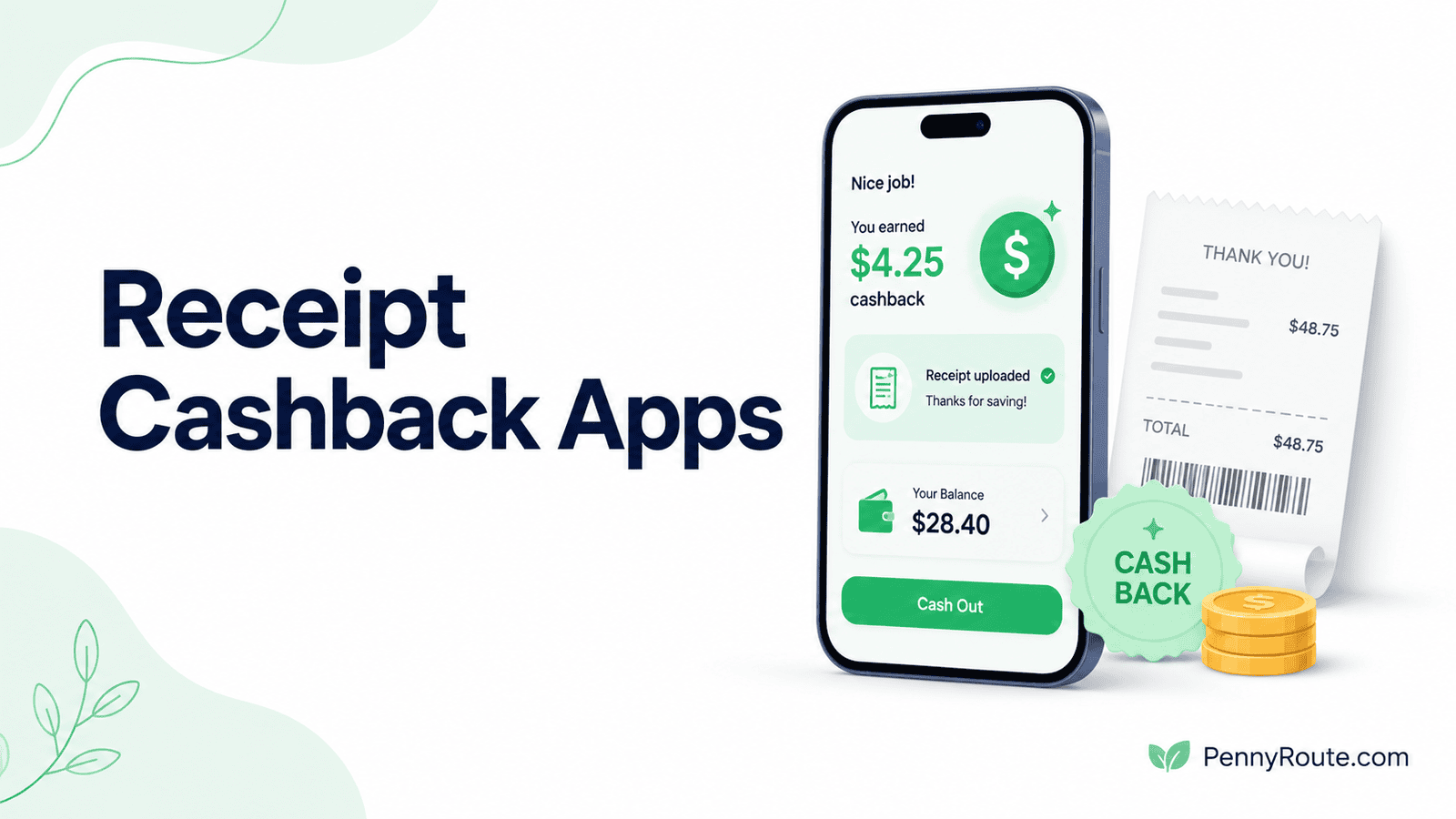
Receipt cashback apps turn everyday purchases into small rewards after you shop. Some give points for almost any eligible receipt, while others pay more when your receipt matches offers you selected beforehand.
The best receipt cashback app depends on how much planning you want to do and what kinds of receipts you usually have. A simple scanning app may suit you better if convenience matters most, while an offer-based app can be more useful when you are willing to check deals before shopping.
Disclaimer: This content is for informational purposes only and does not constitute financial advice. Receipt rules, reward values, payout options, participating retailers, and app features can change, so check current terms before using an offer.
Receipt Cashback Apps at a Glance
| App | Best for | Main receipt method |
|---|---|---|
| Fetch | Low-effort everyday rewards | Paper receipts + e-receipts |
| Ibotta | Grocery cashback offers | Activated offers + receipts |
| Receipt Hog | Receipt rewards with extra earning features | Paper + digital receipts |
| CoinOut | Simple receipt scanning | Paper + online receipts |
| Checkout 51 | Weekly grocery and household offers | Activated offers + receipts |
| ReceiptPal | Paper and digital receipt rewards | Scans + connected e-receipts |
| Frisbee | Receipt rewards with flexible earning options | Scans + digital receipts |
Fetch currently supports both physical receipts and eligible e-receipts, Ibotta continues to use offer activation with receipt submission or supported loyalty connections, and ReceiptPal accepts paper receipts as well as eligible e-receipts from connected accounts.
Types of Receipt Cashback Apps
Receipt cashback apps generally fall into a few different groups based on how you earn rewards.
- Any-receipt apps give points or rewards for many everyday receipts without requiring you to choose an offer first.
- Offer-based apps require you to select eligible deals before shopping, then submit or verify the purchase afterward.
- Hybrid apps use receipts as a main earning method but may also support e-receipts, linked accounts, surveys, or other ways to earn.
Receipt-focused apps center rewards around purchase records, while broader cashback apps can use shopping portals, browser extensions, activated offers, or local deals.
The best type depends on how much effort you want to put in. Any-receipt apps are usually simpler, while offer-based apps require more planning but can provide more targeted rewards.
Best Receipt Cashback Apps
Fetch
Best for: Low-effort rewards from everyday receipts.
Fetch gives points for eligible everyday receipts, making it one of the simpler options if you do not want to plan around offers before every shopping trip.
You can scan paper receipts, connect eligible accounts for e-receipts, and earn additional points when purchases match participating brand offers.
Its main advantage is convenience rather than maximizing the reward from each receipt. You can earn from a broad range of purchases without building your shopping list around specific deals, although brand offers and bonuses can increase the points you receive. Rewards are redeemed mainly through gift cards.
Good fit if…
- You want to scan receipts without much preparation.
- Your purchases come from many different stores.
- Gift card rewards work well for you.
- Brand bonuses are a useful extra rather than the main reason to shop.
You may prefer another option if…
- You prefer cash paid directly to your bank.
- You are willing to plan purchases around higher-value offers.
- Gift cards are not useful to you.
- You want the highest possible reward from each grocery trip.
Ibotta
Best for: Grocery cashback when you are willing to activate offers before shopping.
Ibotta is more offer-driven than a simple receipt scanner. You usually add eligible offers before shopping, then submit a qualifying receipt afterward or use a supported retailer connection. For receipt-based offers, Ibotta requires details such as the store name, purchase date, totals, and an itemized list of what you bought.
That extra step can be worthwhile when your grocery list lines up with available offers. But it does require more planning than an any-receipt app.
Ibotta also supports online shopping without a receipt, though this section stays focused on its receipt-based earning because that is the role it serves in this article.
Good fit if…
- Groceries make up a regular part of your spending.
- Checking offers before shopping fits your routine.
- Itemized receipts are easy to keep.
- You do not mind waiting to reach a $20 cash-out threshold.
You may prefer another option if…
- You want rewards without activating offers first.
- Your purchases rarely match available deals.
- A lower cash-out threshold matters to you.
- Scanning almost any receipt is more convenient.
Receipt Hog
Best for: Earning from a wide range of everyday receipts.
Receipt Hog rewards paper and digital receipts from everyday shopping without requiring you to activate product-specific offers first.
You can also connect supported email and shopping accounts for eligible digital receipts, which makes it more flexible than a paper-only scanner.
Receipt Hog adds surveys, sweepstakes, and its Hog Slots feature alongside receipt earning, so it has a more gamified setup than simpler receipt apps. Once you reach 1,000 coins, current redemption options include PayPal, Amazon e-gift cards, and Visa e-gift cards.
Good fit if…
- Your receipts come from many different stores.
- You prefer earning without activating offers first.
- Digital receipts are part of your shopping routine.
- Extra surveys or games add some appeal.
You may prefer another option if…
- You want higher-value product-specific offers.
- Gamified features add more clutter than value.
- You prefer straightforward cash rewards only.
- A lower redemption threshold matters to you.
CoinOut
Best for: Simple rewards from paper and online receipts.
CoinOut rewards eligible paper receipts from U.S. retailers and also supports online-order receipts through connected email and retailer accounts. Paper receipts currently need to be submitted within 14 days of the purchase date. CoinOut uses a level system, with higher levels earning more Coins per qualifying receipt.
The app has expanded beyond basic receipt scanning, with optional surveys, games, and connected-account earning. For this article, the main appeal is still its broad receipt acceptance rather than those extras. Rewards can currently include Amazon gift codes, PayPal, Venmo, and other gift-card options.
Good fit if…
- Your receipts come from many U.S. retailers.
- Paper and online receipts both matter.
- A 14-day upload window fits your routine.
- Several redemption options are useful.
You may prefer another option if…
- You want product-specific grocery offers.
- You prefer a simpler rewards system.
- Extra games and surveys add little value.
- You often wait longer than two weeks to scan receipts.
Checkout 51
Best for: Weekly grocery and household cashback offers.
Checkout 51 refreshes cashback offers each week for groceries, household items, gas, and other eligible purchases. You select the offers you plan to use, buy the qualifying items, then upload a clear receipt so Checkout 51 can verify the purchase. The service is currently available to U.S. members.
This is a more hands-on option than an any-receipt app because the reward depends on matching specific offers.
Approved cashback builds in your account until you reach the current $20 cash-out minimum, with PayPal and check available as payout methods.
Good fit if…
- Weekly grocery offers match what you already buy.
- Checking deals before shopping fits your routine.
- Gas offers are useful in your area.
- A $20 cash-out threshold is manageable.
You may prefer another option if…
- You want rewards for almost any receipt.
- Activating offers before shopping is easy to forget.
- Your usual purchases rarely match available deals.
- You prefer a lower redemption threshold.
ReceiptPal
Best for: Earning gift cards from paper and digital receipts.
ReceiptPal rewards you for submitting paper receipts and can also collect eligible digital receipts when you connect supported email or Amazon accounts. Each qualifying receipt earns points, which can be redeemed for digital gift cards. ReceiptPal also includes weekly sweepstakes for cash prizes.
Its strongest fit is convenience across both physical and online purchases. If a large share of your shopping produces e-receipts, connecting eligible accounts can reduce how many receipts you need to upload manually. The tradeoff is that standard rewards are gift-card based rather than direct cash payouts.
Good fit if…
- Paper and digital receipts are both common for you.
- Connecting email receipts would reduce manual scanning.
- Gift card rewards fit your normal spending.
- You prefer broad receipt earning over offer hunting.
You may prefer another option if…
- You want rewards paid directly as cash.
- Connecting email or shopping accounts is not appealing.
- Product-specific grocery offers matter more.
- Gift cards have limited value for how you spend.
Frisbee
Best for: Receipt rewards with several optional ways to earn.
Frisbee rewards physical and digital receipts, but it also gives you other ways to earn, including linked retailer accounts, connected email, partner offers, surveys, and games. That makes it more flexible than a basic receipt scanner while still keeping receipt submission at the center of the experience.
Its current points program also includes daily and weekly sweepstakes tied to receipt activity. Rewards can be redeemed for gift cards from retailers such as Amazon, Target, and Visa.
If you mainly want straightforward receipt rewards, the extra earning features may be more than you need, but they give Frisbee more variety than a receipt-only setup.
Good fit if…
- Paper and digital receipts both matter.
- Extra earning options add useful variety.
- Linked retailer accounts fit your routine.
- Gift card rewards work well for you.
You may prefer another option if…
- You want a simpler receipt-only experience.
- Games and surveys add unnecessary clutter.
- You prefer direct cash payouts.
- Extra account connections are not appealing.
What to Check Before Uploading a Receipt
Receipt apps can reject a purchase when key details are missing or the submission does not meet the app’s rules. A quick check before uploading can reduce the chance of a receipt being rejected or missing an eligible reward.
Check the Upload Window
Receipt deadlines vary by app. Some accept receipts for only a limited number of days after purchase, so older receipts may no longer qualify.
Make Sure the Receipt Is Readable
The store name, purchase date, total, and itemized purchases should be clear when the app requires them. Flatten crumpled receipts and avoid cutting off the top or bottom when taking a photo.
Confirm Whether an Offer Had to Be Added First
Offer-based apps such as Ibotta and Checkout 51 may require you to select an eligible offer before submitting the purchase. Scanning the receipt afterward does not necessarily make an unactivated offer eligible.
Check the Rules for Digital Receipts
Some apps accept e-receipts directly, while others require you to connect an email or retailer account. The process can differ from uploading a paper receipt.
Avoid Submitting the Same Receipt Twice to the Same App
Duplicate submissions can be rejected. If you use more than one receipt app, check each service’s rules before submitting the same purchase elsewhere.
Can You Use the Same Receipt in More Than One App?
Some receipt apps may accept a purchase that you have also submitted to another rewards service, but each app sets its own rules. What is consistently prohibited is submitting the same receipt more than once within the same app or sharing receipts between users when the service does not allow it.
Before using one purchase with multiple apps, check the terms for each service and any product-specific offer. Acceptance by one app does not guarantee that another will consider the receipt eligible.
Keep Receipt Rewards Simple
Receipt apps work best when the process fits naturally into how you already shop. If scanning receipts takes only a minute and the rewards are useful to you, the extra step can be worthwhile.
You do not need several apps collecting the same information. Start with the one that matches your receipts and shopping habits, then add another only if it offers a genuinely different way to earn.