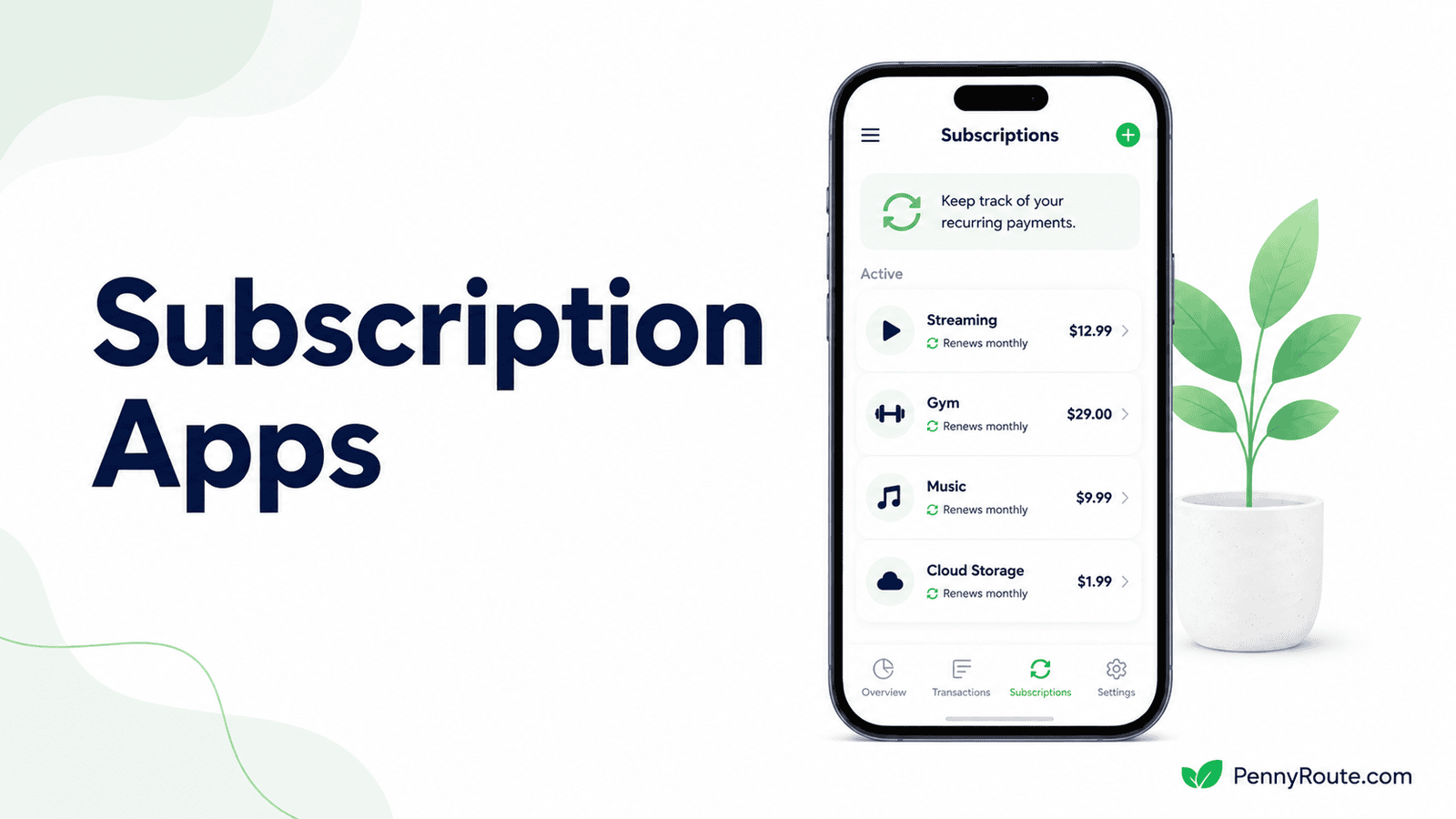
Subscriptions are easy to lose track of when they renew on different dates, come through different payment methods, or only bill once a year. A subscription tracker brings those recurring charges into one place so you can see what is active and what is coming up next.
Some apps find subscriptions automatically by reviewing connected account activity. Others rely on manual entry and reminders, which gives you more control without linking financial accounts. The best option depends on whether you value convenience, privacy, renewal alerts, or cancellation support most.
Disclaimer: This content is for informational purposes only and does not constitute financial advice. App pricing, features, renewal reminders, account connections, and cancellation options can change, so check current terms before choosing a service.
Subscription Tracker Apps at a Glance
| App | Best for | Tracking style |
|---|---|---|
| Rocket Money | Automatically finding recurring subscriptions | Bank-connected detection |
| ReSubs | Cross-platform dedicated subscription tracking | Manual tracking + reminders |
| Bobby | Simple subscription tracking on iPhone | Manual entry |
| Subby | Manual tracking without another monthly subscription | Manual entry |
| Tilla | Lightweight Android subscription tracking | Manual entry + reminders |
| TrackMySubs | Browser-based subscription and software tracking | Manual web-based tracking |
| Bills io | Private recurring-bill tracking for Apple users | Manual tracking + iCloud sync |
Subscription Trackers Find Charges in Different Ways
The main choice is whether you want the app to find recurring charges for you or whether you would rather maintain the list yourself.
Automatic Detection
Apps such as Rocket Money connect to supported financial accounts and look for repeating transactions. That reduces setup and can surface subscriptions you forgot about, but it requires linking financial data and still benefits from an occasional review when a charge is misidentified or no longer recurring.
Manual Tracking
Apps such as ReSubs, Bobby, Subby, Tilla, TrackMySubs, and Bills io rely more heavily on you adding subscriptions yourself. The advantage is control: you decide exactly what appears in the tracker, and many of these tools work without connecting a bank account.
Manual tracking takes more effort at the beginning, but it can be a better fit if privacy matters more than automatic discovery or if you only have a manageable number of recurring charges.
Best Apps to Track Subscriptions
Rocket Money
Best for: Automatically finding recurring subscriptions from connected accounts
Rocket Money is the strongest option in this list if you want the app to find recurring charges for you instead of building the list manually. Once supported accounts are connected, Rocket Money reviews transaction activity for repeating charges and brings detected subscriptions into one place for easier review.
Its main advantage is discovery. A manual tracker only knows about the subscriptions you remember to add, while Rocket Money can surface charges you may have forgotten.
Premium also includes cancellation assistance for eligible subscriptions, which gives it a different role from trackers that only record renewal dates and send reminders.
Good fit if…
- You want subscriptions detected automatically.
- Your recurring charges are spread across several accounts.
- You are worried about subscriptions you may have forgotten.
- Cancellation assistance would be useful.
You may prefer another option if…
- You do not want to connect financial accounts.
- You prefer maintaining your own subscription list.
- You only have a few recurring charges to track.
- You want a dedicated tracker without broader finance features.
ReSubs
Best for: Cross-platform subscription tracking without linking a bank account
ReSubs is a dedicated subscription tracker for people who want renewal visibility without connecting bank accounts. You can add subscriptions manually, see recurring costs in one place, and receive reminders before upcoming payments. ReSubs also supports iOS and Android, which makes it more flexible than trackers limited to one mobile platform.
It also offers several ways to build the subscription list beyond typing everything in yourself, including CSV import and other assisted-import features. Premium expands the available features and subscription capacity, while the free tier lets you try the core tracking approach first.
Good fit if…
- You do not want to connect financial accounts.
- You use both iOS and Android devices.
- Renewal and free-trial reminders matter to you.
- You want a dedicated tracker rather than a broader finance app.
You may prefer another option if…
- You want subscriptions detected automatically from transactions.
- You only need a very basic manual list.
- You want cancellation handled directly for you.
- You prefer a tracker with a one-time upgrade instead of a recurring Premium plan.
Bobby
Best for: Simple manual subscription tracking on iPhone
Bobby keeps subscription tracking deliberately simple. You add recurring services yourself, enter the billing details, and Bobby shows your subscriptions and upcoming charges in one place.
It can also notify you when a bill is due, which makes it useful if the main thing you want is a clean renewal calendar without connecting financial accounts.
Its limitation is the same thing that makes it appealing: Bobby does not automatically search transaction history for forgotten subscriptions. You need to know what you are paying for and add those services yourself. That makes it better for maintaining a known subscription list than discovering charges you have already lost track of.
Good fit if…
- You want a simple subscription list on your iPhone.
- You prefer not to connect bank accounts.
- Renewal reminders are more important than automatic discovery.
- You only need to track subscriptions you already know about.
You may prefer another option if…
- You want an Android app.
- You need forgotten subscriptions detected automatically.
- You want cancellation assistance built into the service.
- You prefer tracking from a web browser or across several platforms.
Subby
Best for: Manual subscription tracking without another monthly fee
Subby is built for people who want to keep a subscription list themselves without turning the tracker into another recurring expense. You add services manually, enter the billing cycle and renewal details, and use reminders to keep upcoming charges visible. No bank login is required, and you do not need to create an account just to start tracking.
The free version is ad-supported and does not impose a subscription-count limit, while Subby PRO uses a one-time purchase rather than a monthly or annual subscription. That makes it a useful fit if you want a dedicated manual tracker but dislike paying another recurring fee simply to monitor the ones you already have.
Good fit if…
- You want to avoid connecting financial accounts.
- You prefer a one-time upgrade over another subscription.
- You already know which recurring charges you need to track.
- Simple renewal reminders cover your main needs.
You may prefer another option if…
- You want subscriptions detected automatically.
- You need cancellation assistance.
- You prefer tracking from a web browser.
- You want a confirmed iPhone option right now.
Tilla
Best for: Lightweight subscription tracking on Android
Tilla is a straightforward choice if you want to keep subscription costs and renewal dates visible without connecting bank accounts. You add services manually, set their billing cycles, and can view upcoming payments alongside your overall recurring spend.
Its strength is keeping the experience focused. Tilla also offers customizable reminders, while Premium adds extras such as more detailed analytics and cloud synchronization. It suits Android users who want more structure than a basic notes list without moving into a broader finance app.
Good fit if…
- You use Android and want a dedicated subscription tracker.
- You prefer entering subscriptions yourself.
- Custom renewal reminders are useful to you.
- You want recurring costs summarized in one place.
You may prefer another option if…
- You want subscriptions found automatically from transactions.
- You need an iPhone or web-based tracker.
- You want cancellation assistance.
- You prefer a one-time paid upgrade over a Premium model.
TrackMySubs
Best for: Tracking subscriptions and software renewals from a web browser
TrackMySubs is a browser-based tracker for keeping recurring payments, renewal dates, and contract details in one place. You add subscriptions manually, choose the billing cycle, and can set one or more alerts before the next payment or contract expiry date. The free plan currently supports up to 10 subscriptions.
It is especially useful if your recurring costs include software, SaaS tools, hosting, or other services you prefer to manage from a desktop rather than a phone. TrackMySubs also supports CSV import and export, which can make it easier to move an existing subscription list out of a spreadsheet.
Good fit if…
- You prefer managing subscriptions from a browser.
- You want custom alerts before renewal dates.
- You track software or work-related subscriptions as well as personal ones.
- Ten subscriptions or fewer cover your needs on the free plan.
You may prefer another option if…
- You want recurring charges detected automatically.
- You prefer a mobile-first subscription tracker.
- You do not want to enter subscriptions yourself.
- You need built-in cancellation assistance.
Bills io
Best for: Apple users who want private recurring-bill tracking without bank connections
Bills io is useful if you want to track recurring bills and subscriptions across Apple devices without handing over bank-login access. You add charges manually, set due dates and billing cycles, and can use reminders to keep upcoming payments visible. The app also keeps a payment history, which helps you see whether a recurring bill has already been handled.
Its main advantage is privacy and Apple integration. Data can sync through iCloud across iPhone, iPad, and Mac, while the app does not require a separate Bills io account for basic use.
It also supports one-off bills, so it can work well if you want subscriptions and other scheduled payments in the same place rather than maintaining two separate lists.
Good fit if…
- You use Apple devices and want iCloud syncing.
- You prefer manual tracking without connecting bank accounts.
- You want subscriptions and other recurring bills in one place.
- Payment history and renewal reminders are useful to you.
You may prefer another option if…
- You use Android or need a browser-based tracker.
- You want subscriptions detected automatically.
- You need cancellation assistance.
- You only want a very basic subscription list.
Tracking a Subscription Is Not the Same as Canceling It
A subscription tracker can help you see what is active and when the next charge is due, but that does not always mean the app can cancel the service for you.
Most manual trackers, such as Bobby, Subby, Tilla, TrackMySubs, ReSubs, and Bills io, are mainly designed to record subscriptions and send reminders. You still need to cancel through the subscription provider when you decide you no longer want the service.
Rocket Money is different because cancellation assistance is available for eligible subscriptions through its Premium service. Even then, the cancellation process depends on the provider and the type of subscription, so tracking a charge and successfully ending it are still separate steps.
How to Find Subscriptions You Forgot About
A tracker can organize subscriptions once you know they exist, but forgotten charges often have to be found first. A few places are especially useful to check.
Review Bank and Credit Card Statements
Look through recent statements for charges that repeat monthly, quarterly, or annually. Pay particular attention to small amounts that are easy to overlook and merchant names you do not immediately recognize.
Search Your Email for Renewal Messages
Search terms such as “subscription,” “renewal,” “receipt,” “membership,” and “trial” can surface services that are not obvious from a bank statement alone.
Check Apple and Google Subscription Settings
App-store subscriptions may be easier to identify from your Apple or Google account than from the merchant name on a card statement.
Look for Annual Renewals
Annual subscriptions are easier to forget because months can pass without another charge. Software, cloud storage, memberships, and other services often fall into this category.
If you cancel a recurring service, check your next bank or credit card statement to make sure the charge has stopped. If the company keeps billing after you have tried to cancel, you can dispute the charge with your card issuer.
When a Spreadsheet or Calendar Is Enough
You do not necessarily need another app if you only have a few subscriptions to track. A simple spreadsheet can be enough when you already know what you are paying for and mainly want renewal dates kept in one place.
For each subscription, record:
- service name;
- recurring cost;
- billing frequency;
- next renewal date;
- payment method.
A calendar reminder can handle the timing side, especially for annual renewals or free trials that are easy to forget. A dedicated tracker becomes more useful when your subscriptions are spread across several payment methods, you want automatic detection, or maintaining the list manually starts taking more effort than it saves.
Keep Recurring Charges Visible
A subscription tracker is most useful when it gives you enough warning to decide what you still want to pay for before the next renewal arrives.
Choose the simplest system that keeps your recurring charges easy to review. That might be an automatic tracker, a manual app, or even a spreadsheet if your list is short and easy to maintain.